

Get off to a good start with our foundational device management functionality. Secure and manage student devices with MDM Lite for a streamlined, cost-effective device management solution.
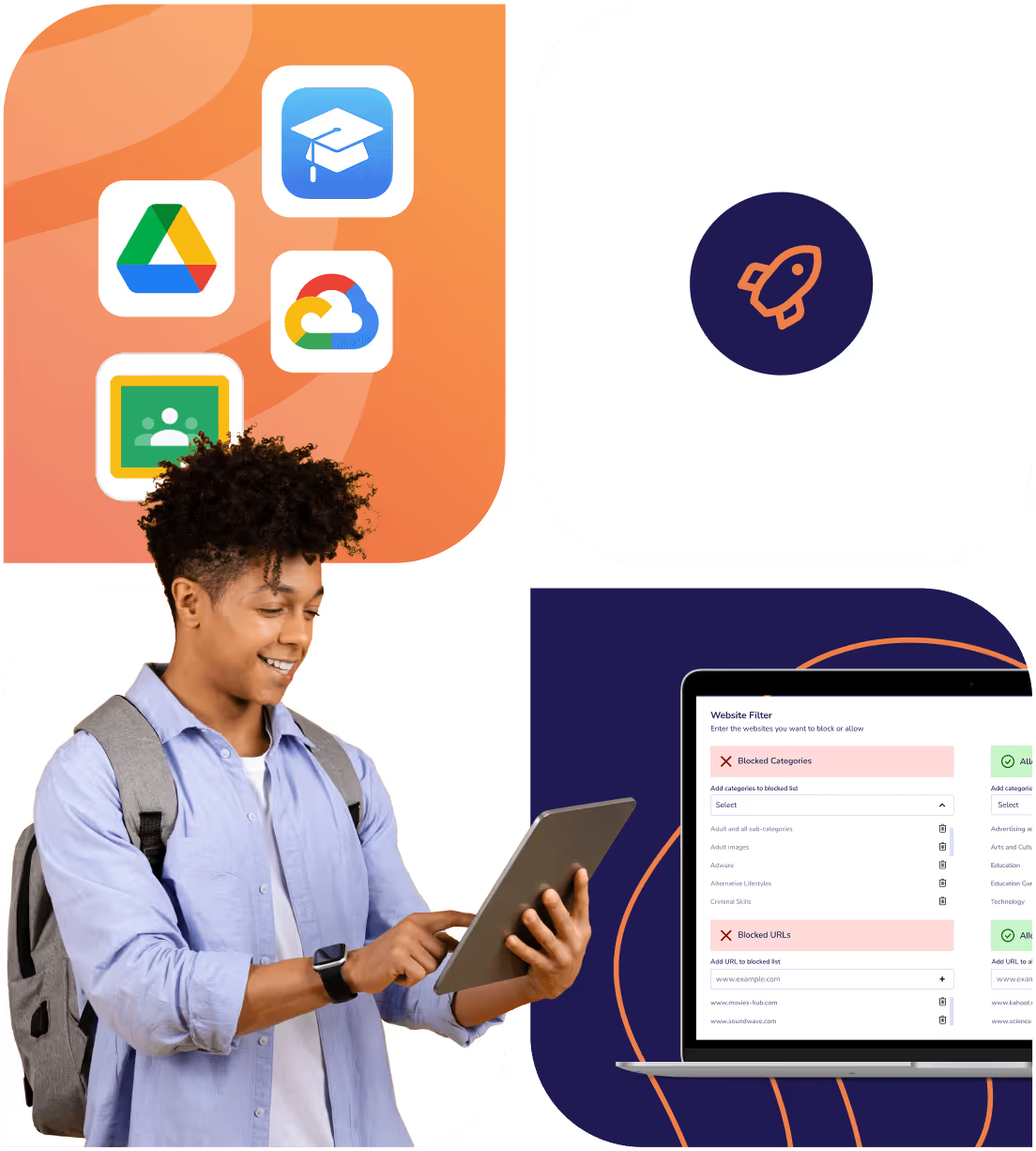
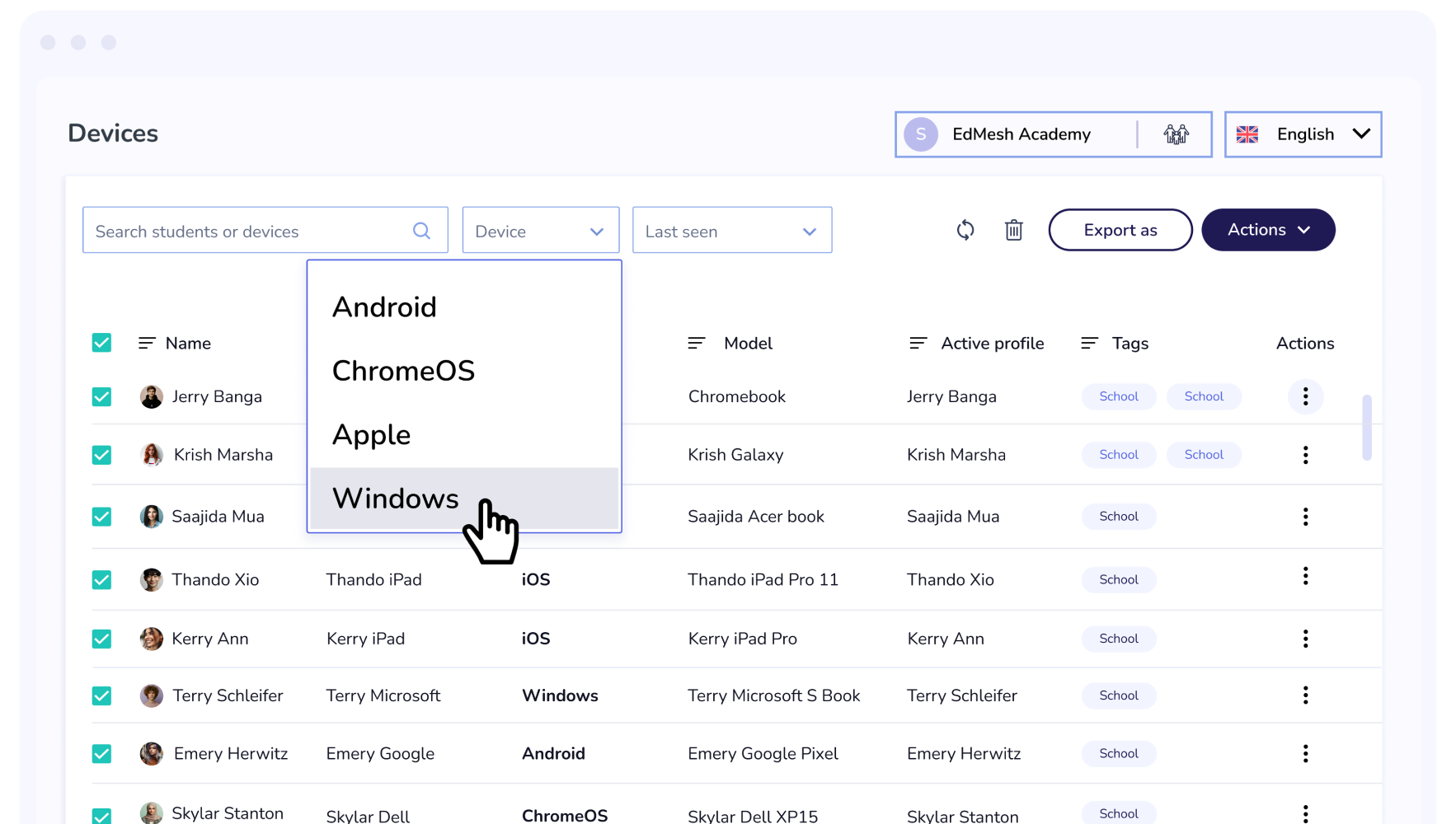
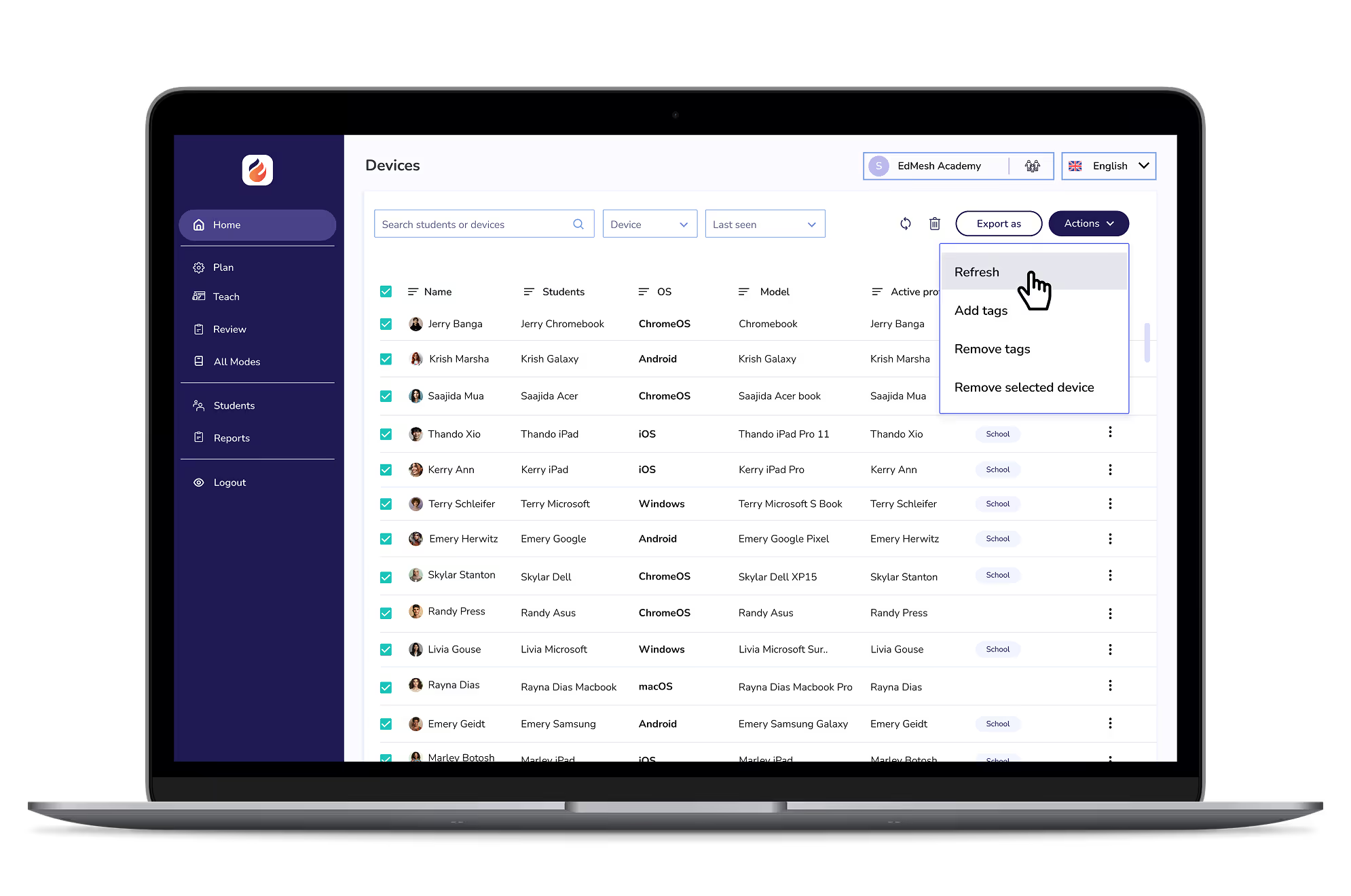
A multi-OS MDM to enrol, manage and update your devices, with ease. Make the roll-out and maintenance of apps simple and easy, regardless of your operating systems.
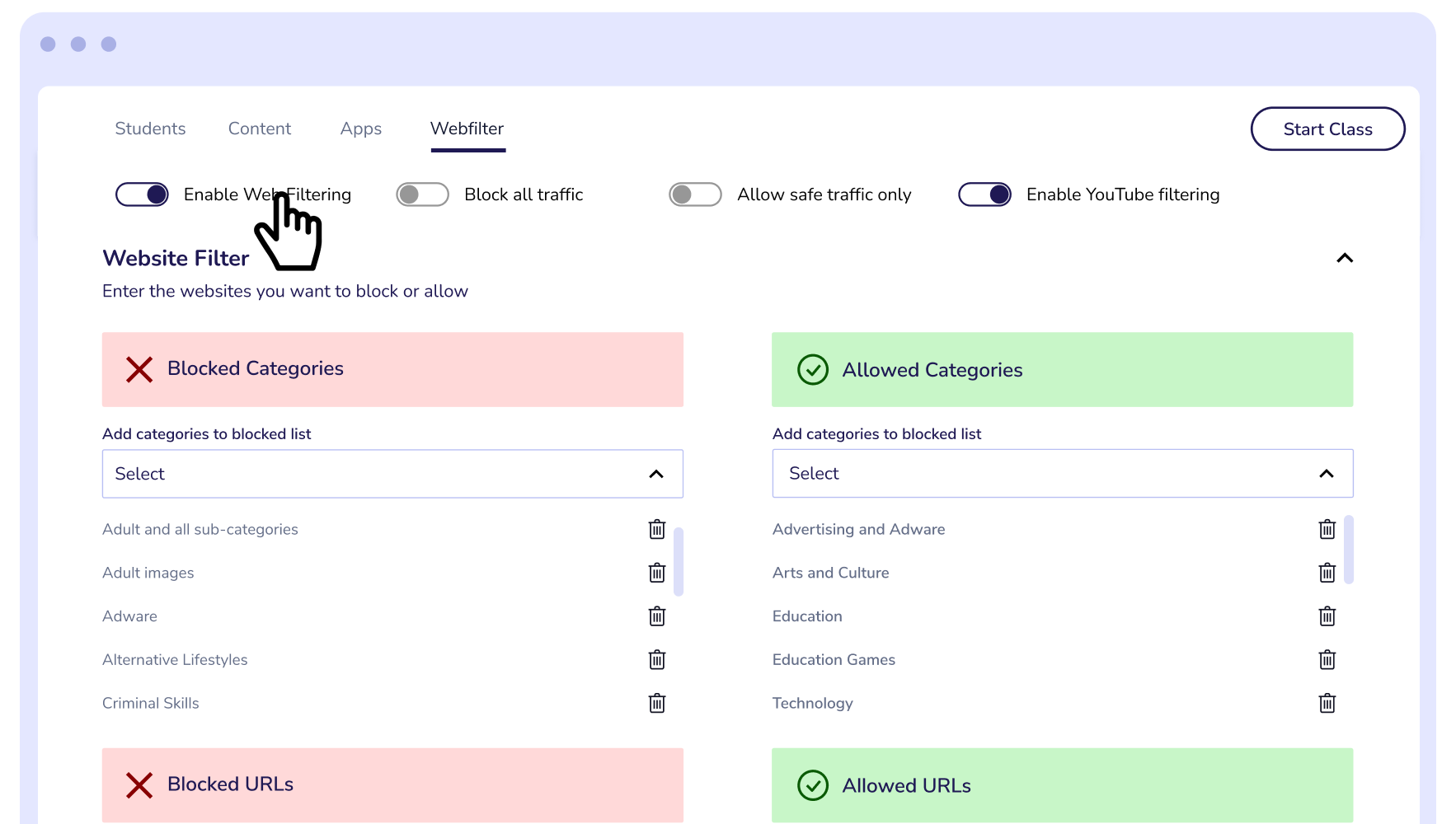
Allow and Block up to 4000 URLs with our on-device web filter. MDM Lite bypasses cloud functionality and provides schools with always on web filtering rules.
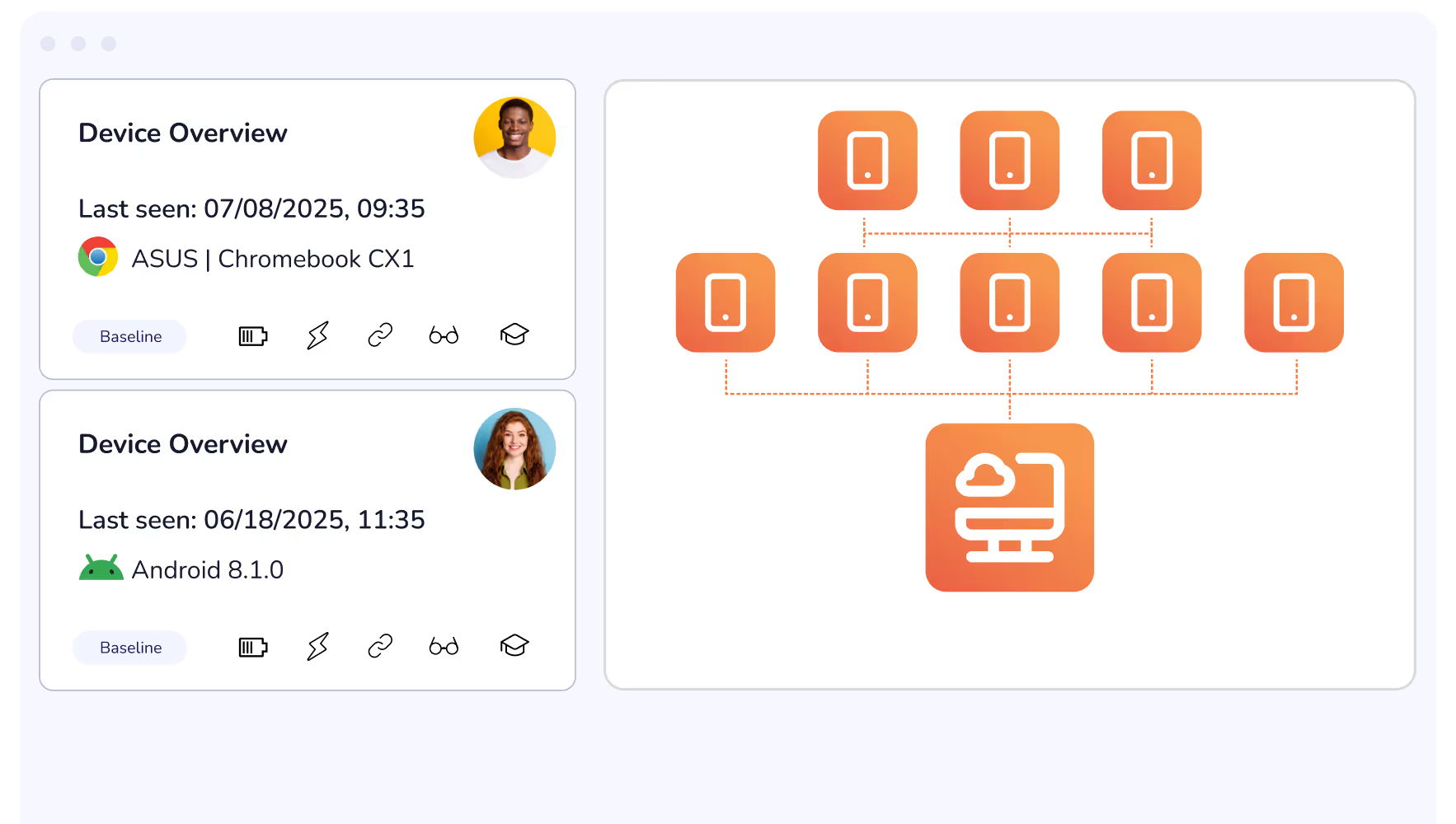
Roll out updates, reconfigure restrictions, adjust district-wide rules remotely and from the cloud. From a single dashboard you can ensure that all devices are up-to-date and lesson ready.
Install and manage applications across all major operating systems with EdMesh MDM Lite. Ensure that students have access to their required devices and that they are updated and lesson-ready.
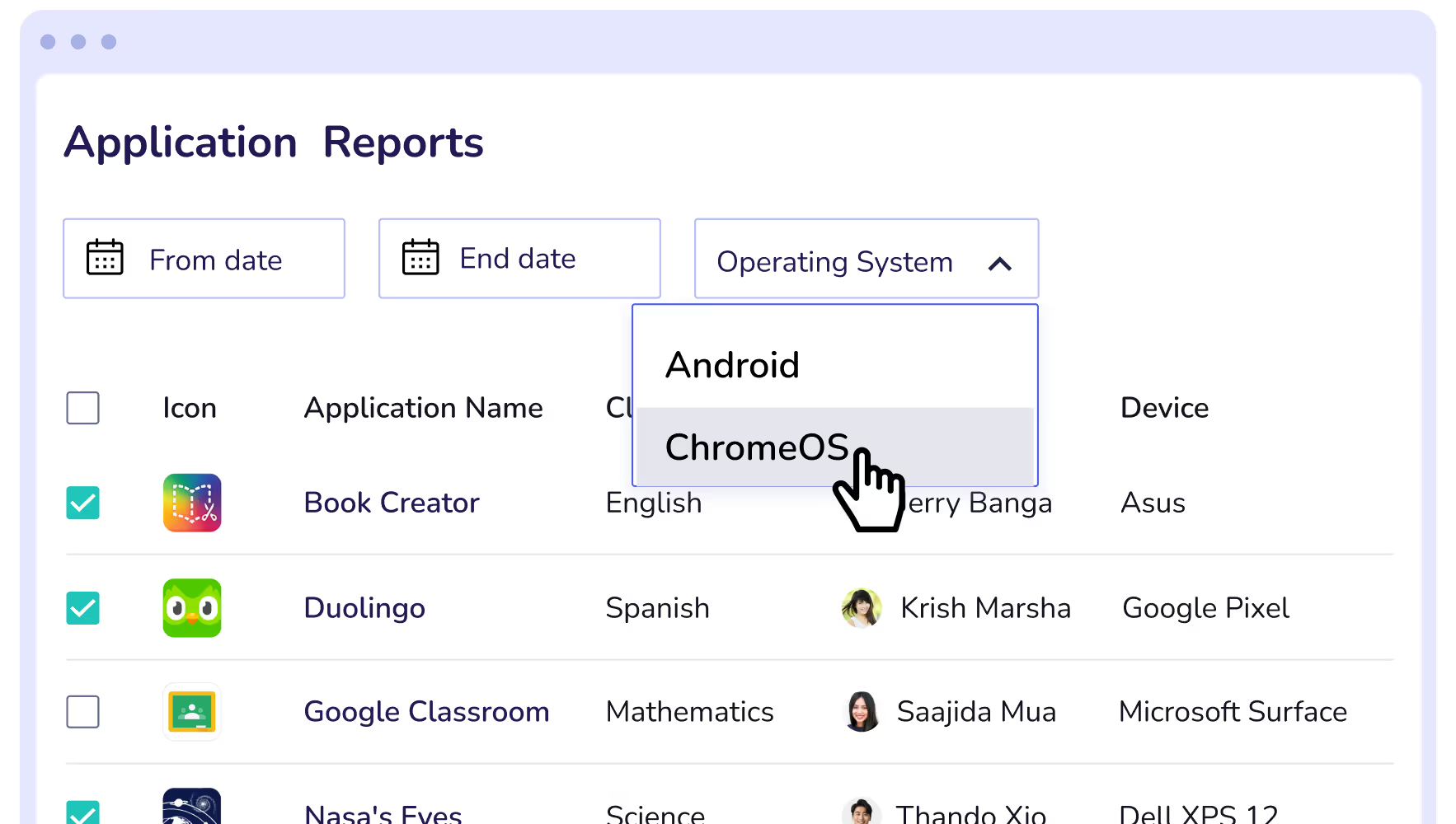
EdMesh MDM Lite is a device manager that ensures students remain safe when using their devices.

MDM Lite offers On-Device Filtering to ensure student devices are restricted at all times, regardless of their internet connection.
MDM Lite provides for a single user license to control and restrict student devices.
Manage multiple operating systems from a single dashboard with EdMesh MDM Lite.
A quick and easy enrolment process get you up and running on the EdMesh platform.
Easily roll out application updates, installation, and removal from devices from your EdMesh platform.
Schedule and push down device updates to ensure devices are secure, and functioning as required.
Restrict YouTube content access with the EdMesh YouTube filter. Limit channels, categories, and specific videos to protect students.
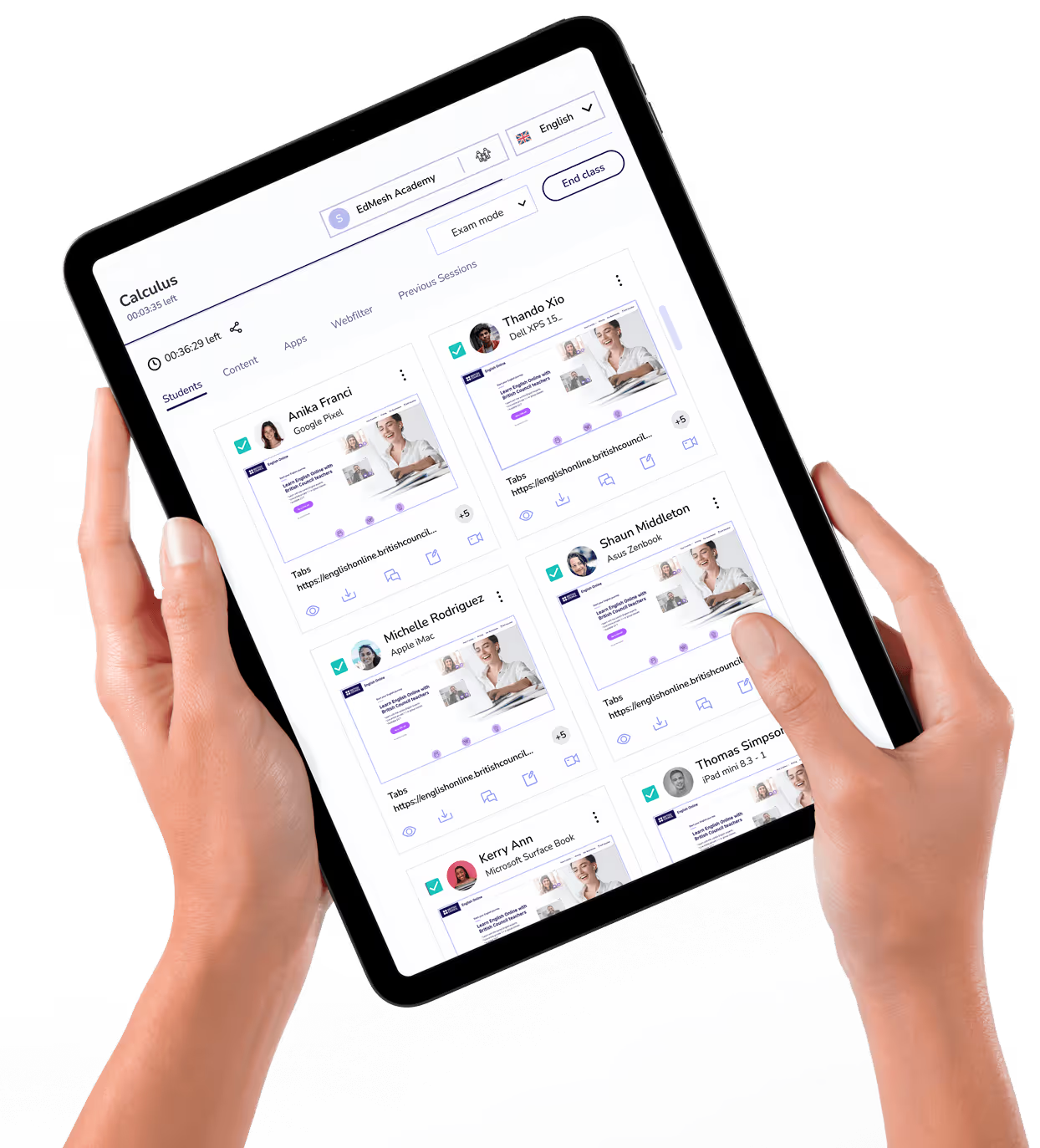
See first hand what students are focused on, or distracted by, during class. Live Screen Views places all student screens into a single view.
Set and control application access on student devices according to class needs and school device usage policies.
Gain insight in to devices and their usage by student through EdMesh dashboard data and reporting.
Integrate with Google Classroom and Google Workspace for Education with EdMesh to easily guide and protect students online.
Apple School Manager easily integrates with EdMesh to ensure devices are ready for learning.
Directly intervene and control student browser tabs to close distracting content or distribute relevant RLs to student devices. Quickly, and easily.
If a class is approaching the brink of chaos, Eyes Up instantly blocks device screens bringing distracted students to a stop instantly.
Manage multiple schools across large school groups, districts, and MATs. A single unifying dashboard ensures that insights across all schools, and grades.
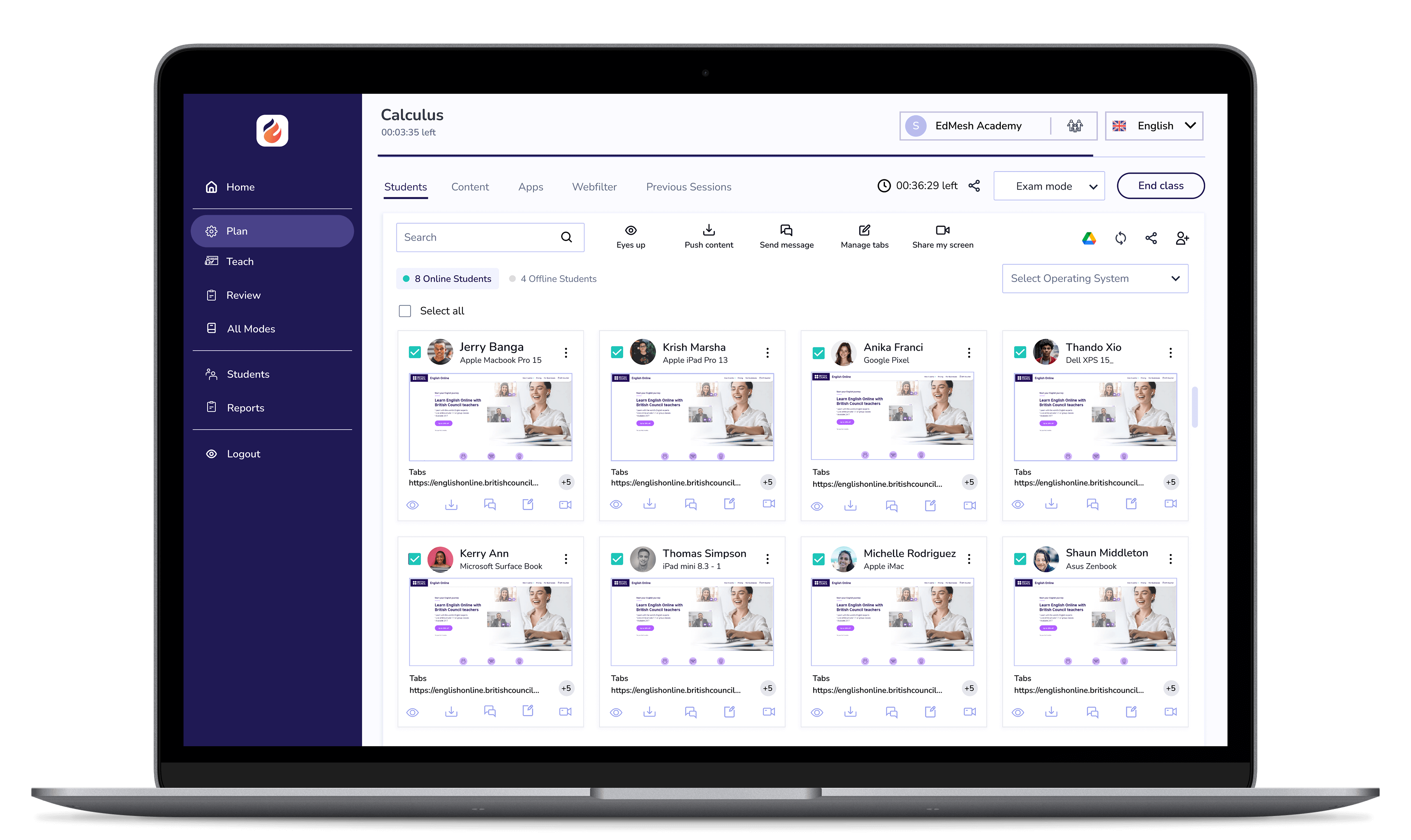
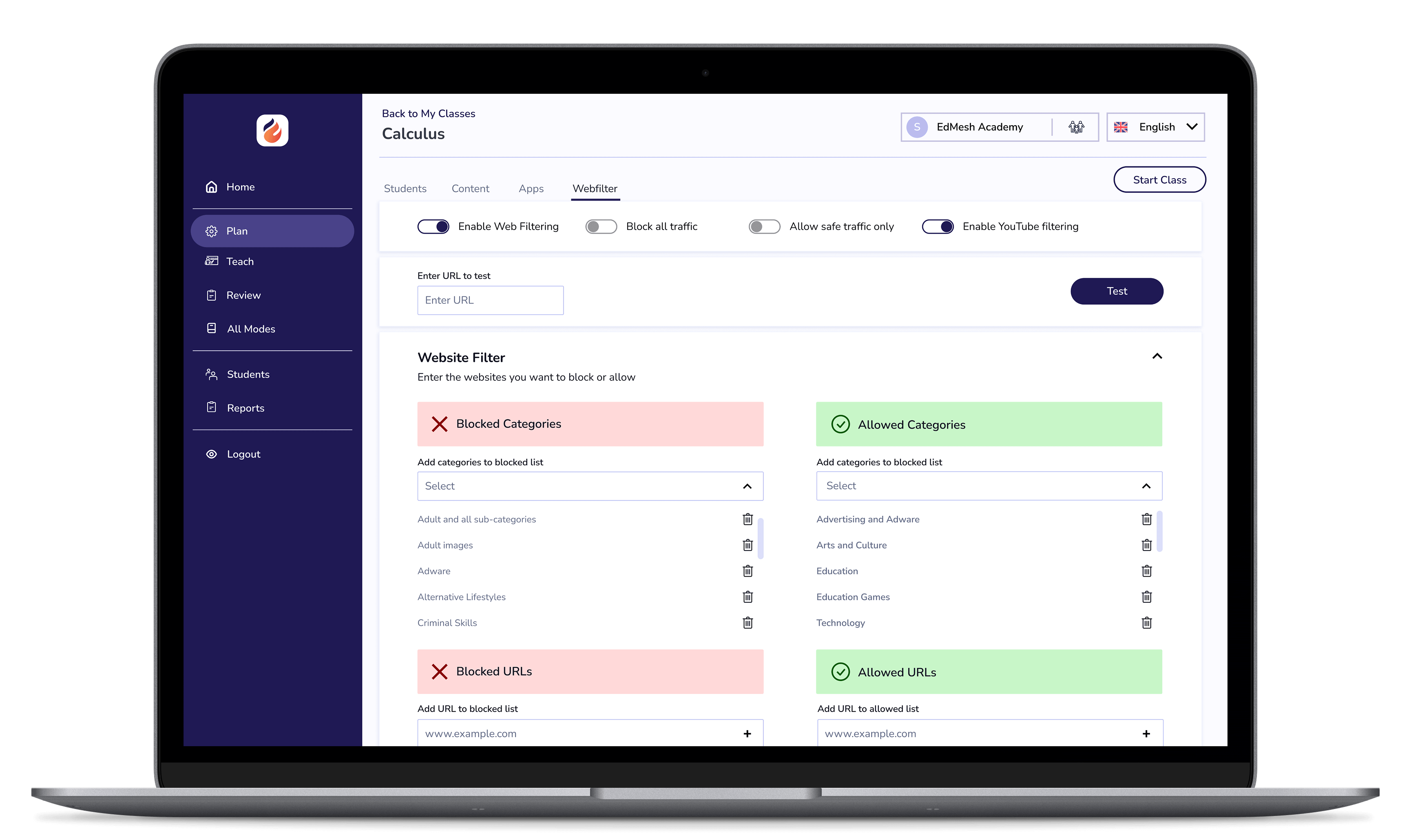

EdMesh Classroom grants teachers with the tools they require to keep students safe, focused, and learning in class.

EdMesh Filtering safeguards student devices online via on-device and cloud-based filtering. Students are always protected online with EdMesh.

Imagine a classroom where students are consistently engaged, motivated, and achieving their full potential.
Imagine a classroom where students are consistently engaged, motivated, and achieving their full potential.
Imagine a classroom where students are consistently engaged, motivated, and achieving their full potential.
Imagine a classroom where students are consistently engaged, motivated, and achieving their full potential.
Imagine a classroom where students are consistently engaged, motivated, and achieving their full potential.
Imagine a classroom where students are consistently engaged, motivated, and achieving their full potential.




.png "X(Twitter)")
