
Manage Chromebooks in the classroom and out with Mobile Guardian. Purpose-built for education, EdMesh is a cloud-based platform that offers educators a host of benefits. Discover more about our easy-to-use solution below.
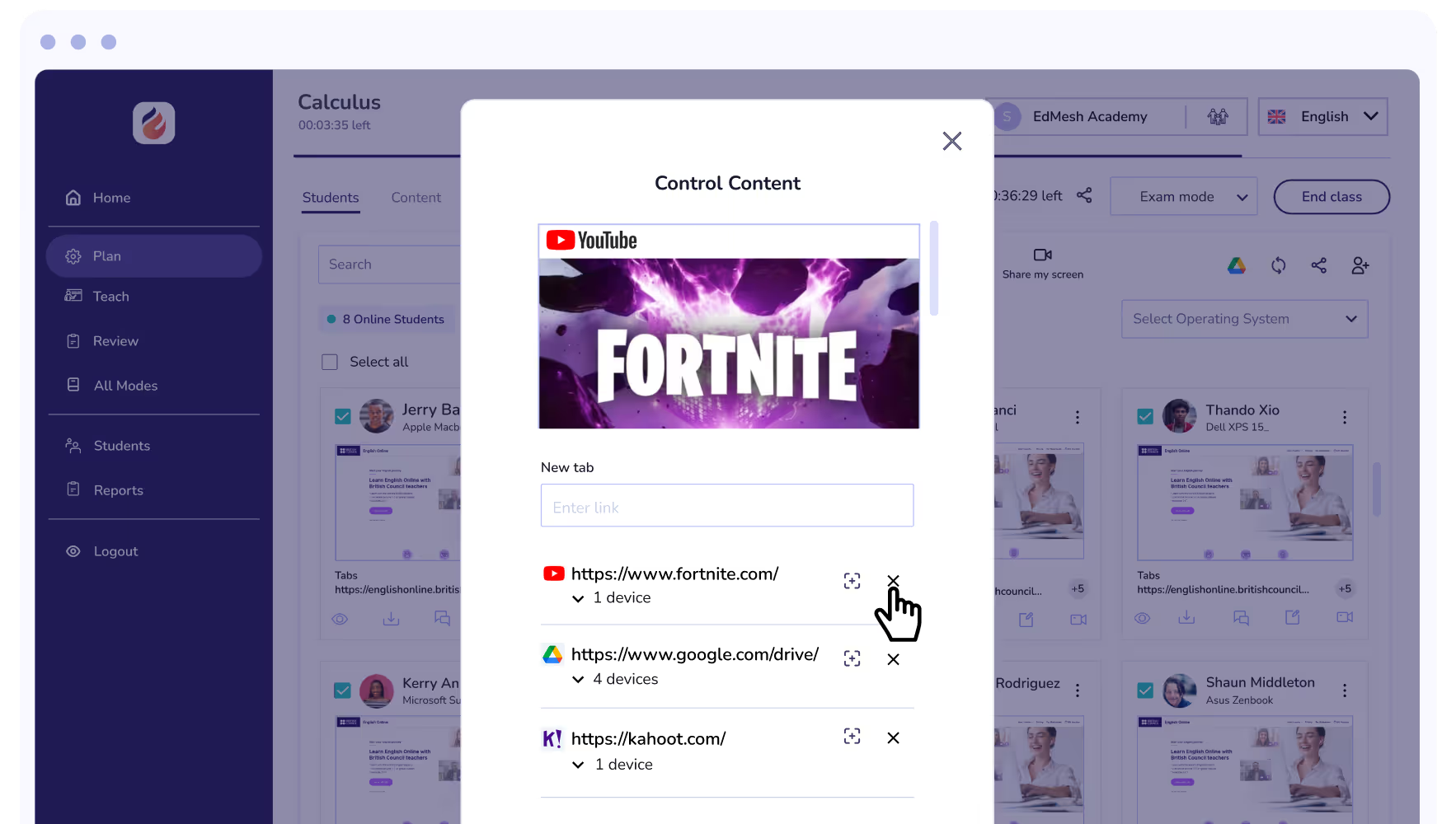
Oversee which sites students are browsing during class. Dismiss distracting tabs directly from the teacher dashboard and refocus students on the task at hand.
Get your Classes attention at the touch of a button. Eyes Up displays a block screen on each device immediately.
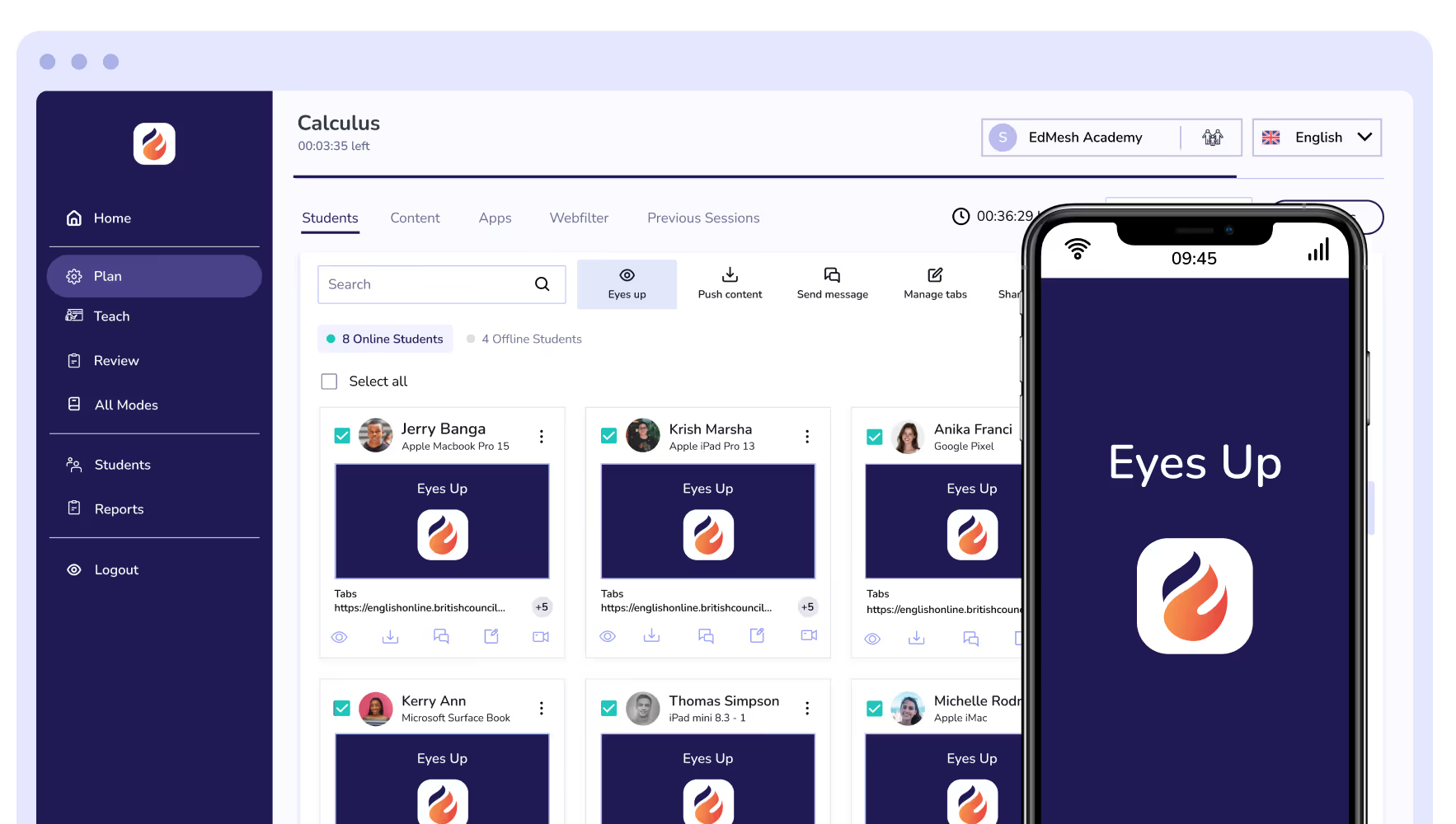

Eyes Up allow teachers to instantly block student screens at the touch of a button.

Instantly dismiss distracting tabs on student devices with Tab Control.

Share your screen with the class for easy instruction, or share a students screen to highlight work well done.

Share content with students during class instantly and easily.
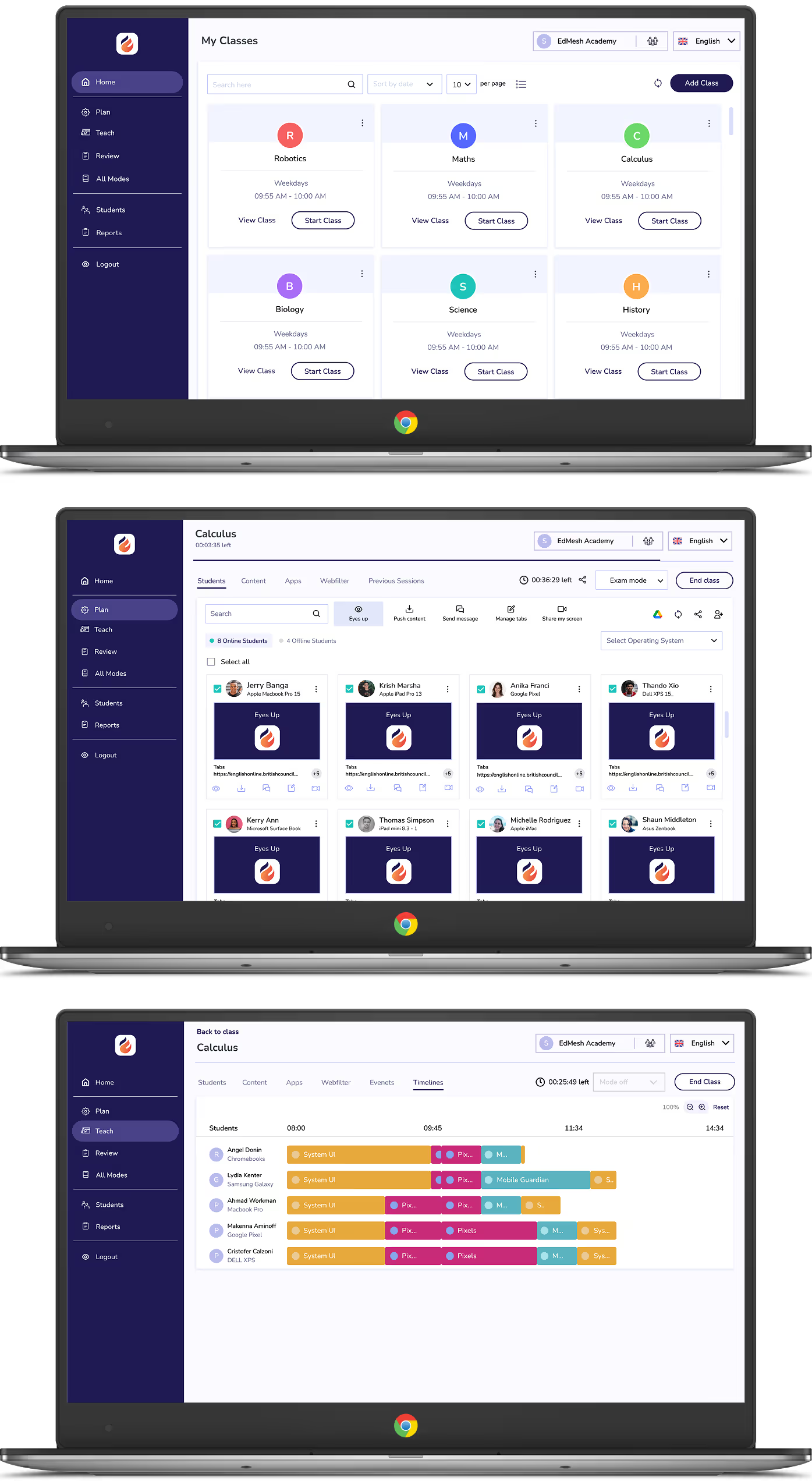

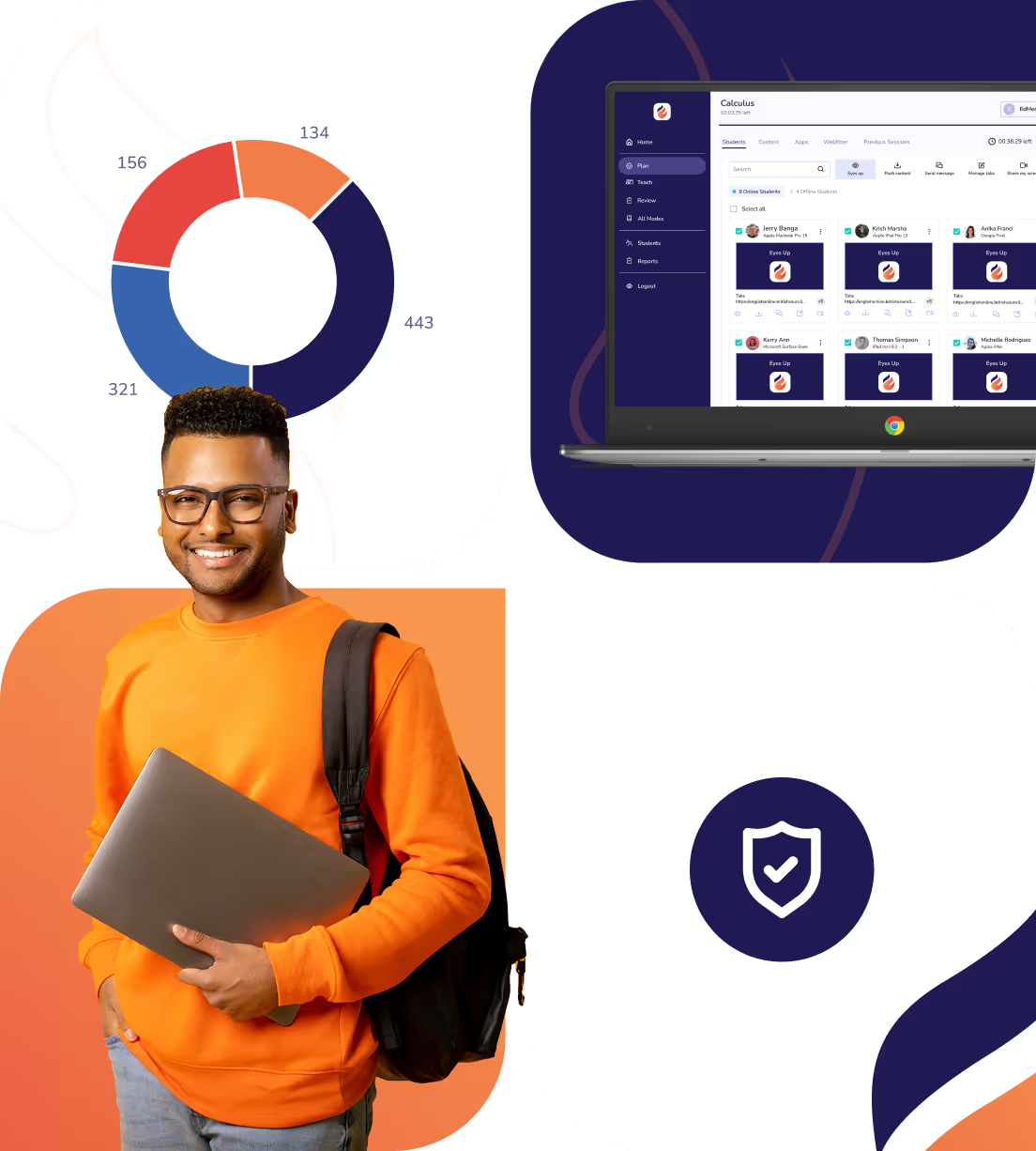
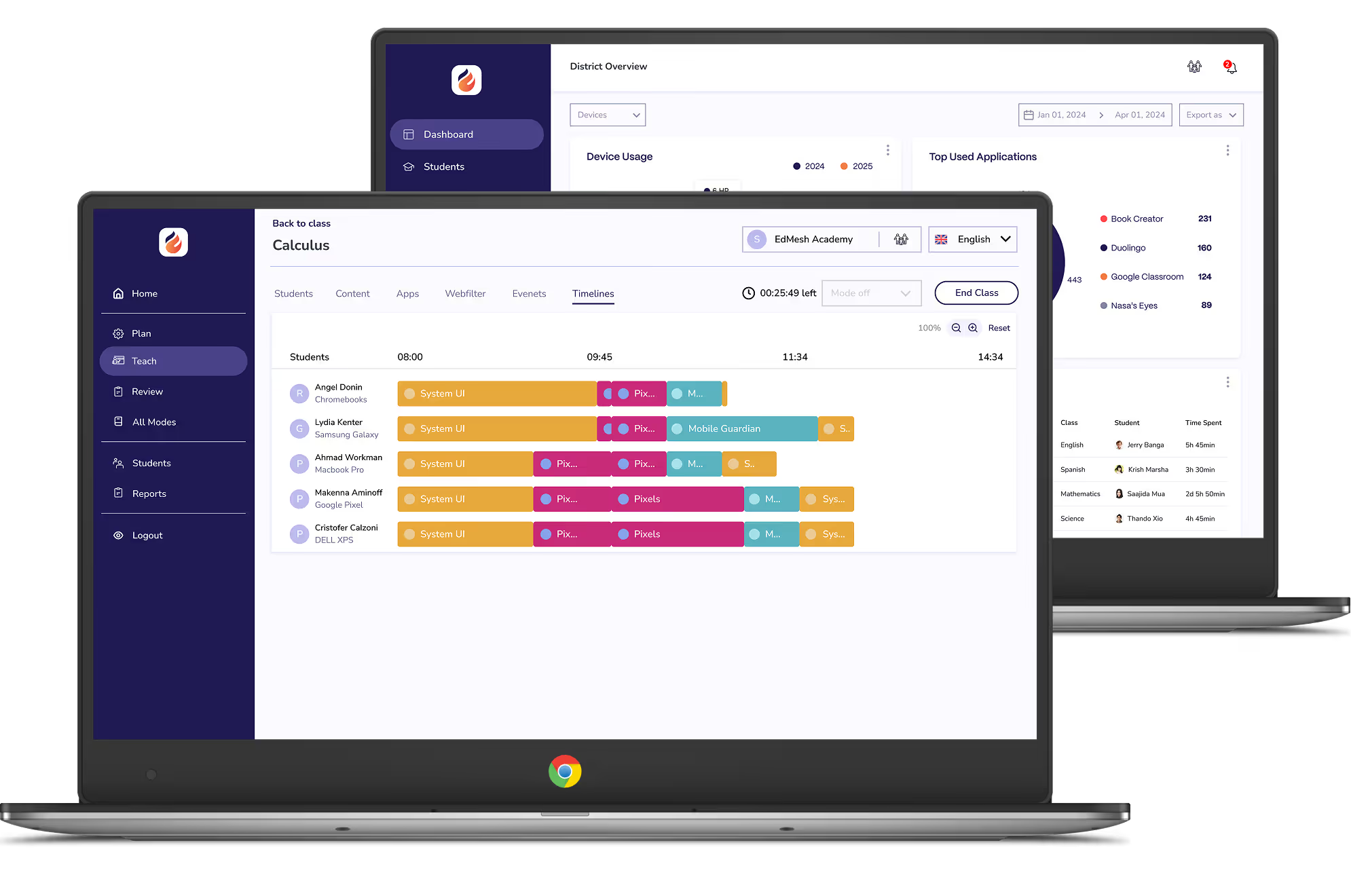
Understand Chromebook and ChromeOS device usage and gain insight into how students spend their time on devices to drive decisions with data.
Easily sync Google Cloud with EdMesh for quick and easy transfer of Organisational Units for seamless enrollment.
Explore our multiple enrolment options for Android, Chrome OS, iOS, macOS, & Windows devices.
Restrict YouTube content access with the EdMesh YouTube filter. Limit channels, categories, and specific videos to protect students.
See first hand what content students are accessing on their ChromeOS device. Whether they're laser focused, distracted or simply waiting for learning content to load. Live Screen Views places all student screens into a single view.
Dismiss distractions, distribute content, message students, and share your screen with students quickly and easily via instant Actions.
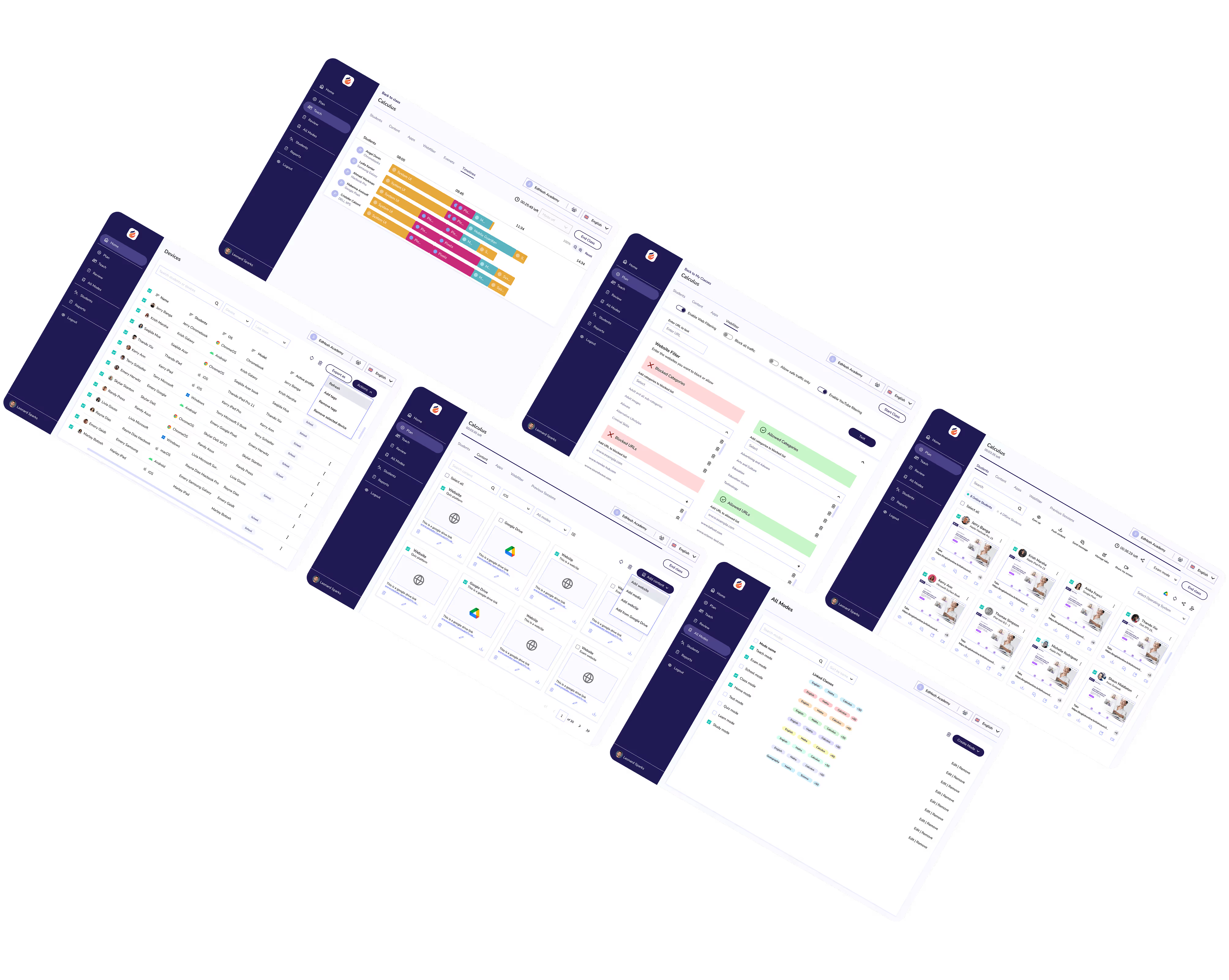
Customise device management workflows to suit your needs. Ensure a school's dashboard enables administrators, teachers and leaders to easily access information pertinent to their needs.
Integrate with Google Classroom and Google Workspace for Education with EdMesh to easily guide and protect students online.
Directly intervene and control student browser tabs to close distracting content or distribute relevant URLs to student devices. Quickly, and easily.
Explore our multiple enrolment options for Android, Chrome OS, iOS, macOS, & Windows devices.
Filter web content across multiple languages. Safer ensures that devices are restricted, in the language students search. Ensure devices only access content suitable for their age group.
Manage multiple schools across large school groups, districts, and MATs. A single unifying dashboard ensures that insights across all schools, and grades.
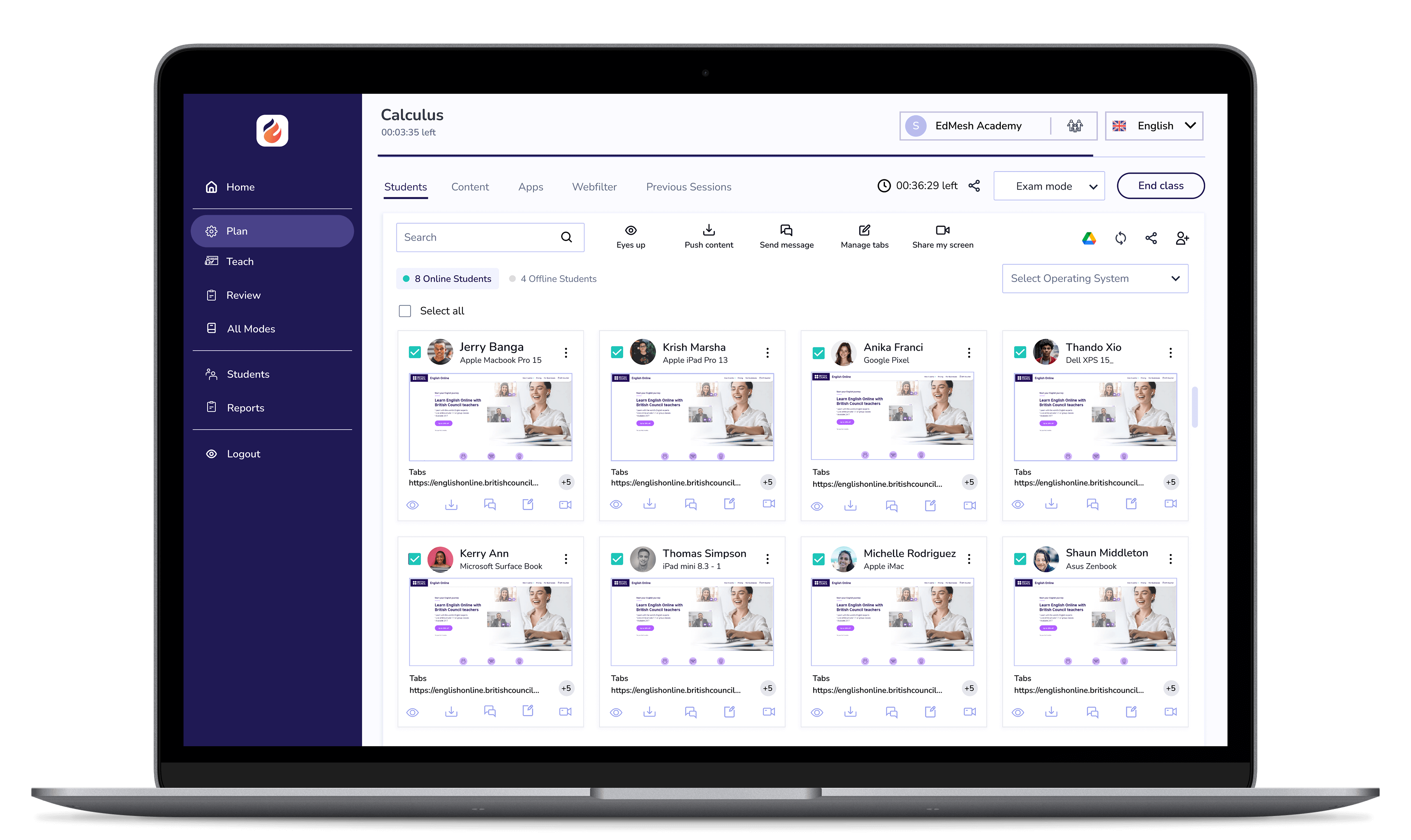
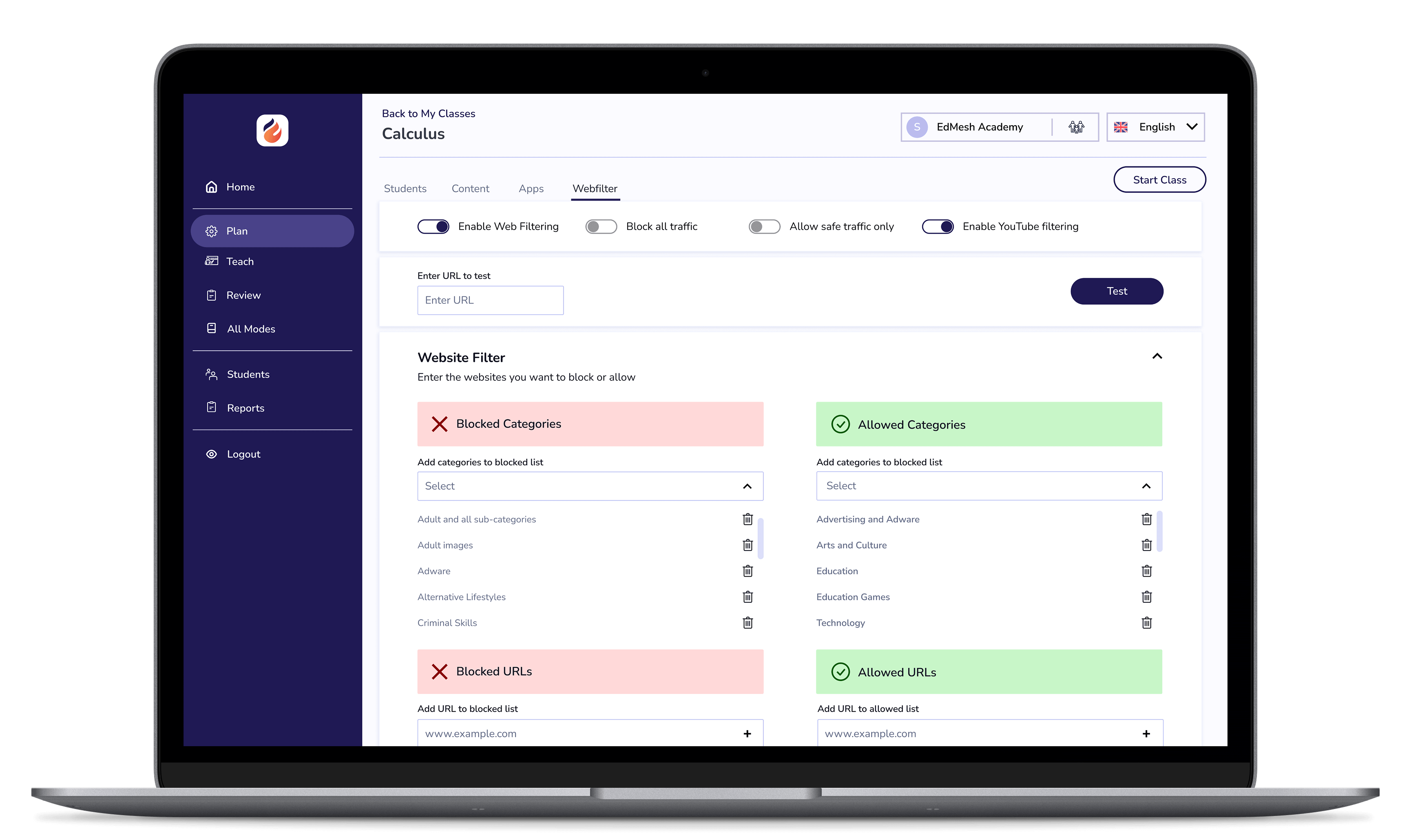
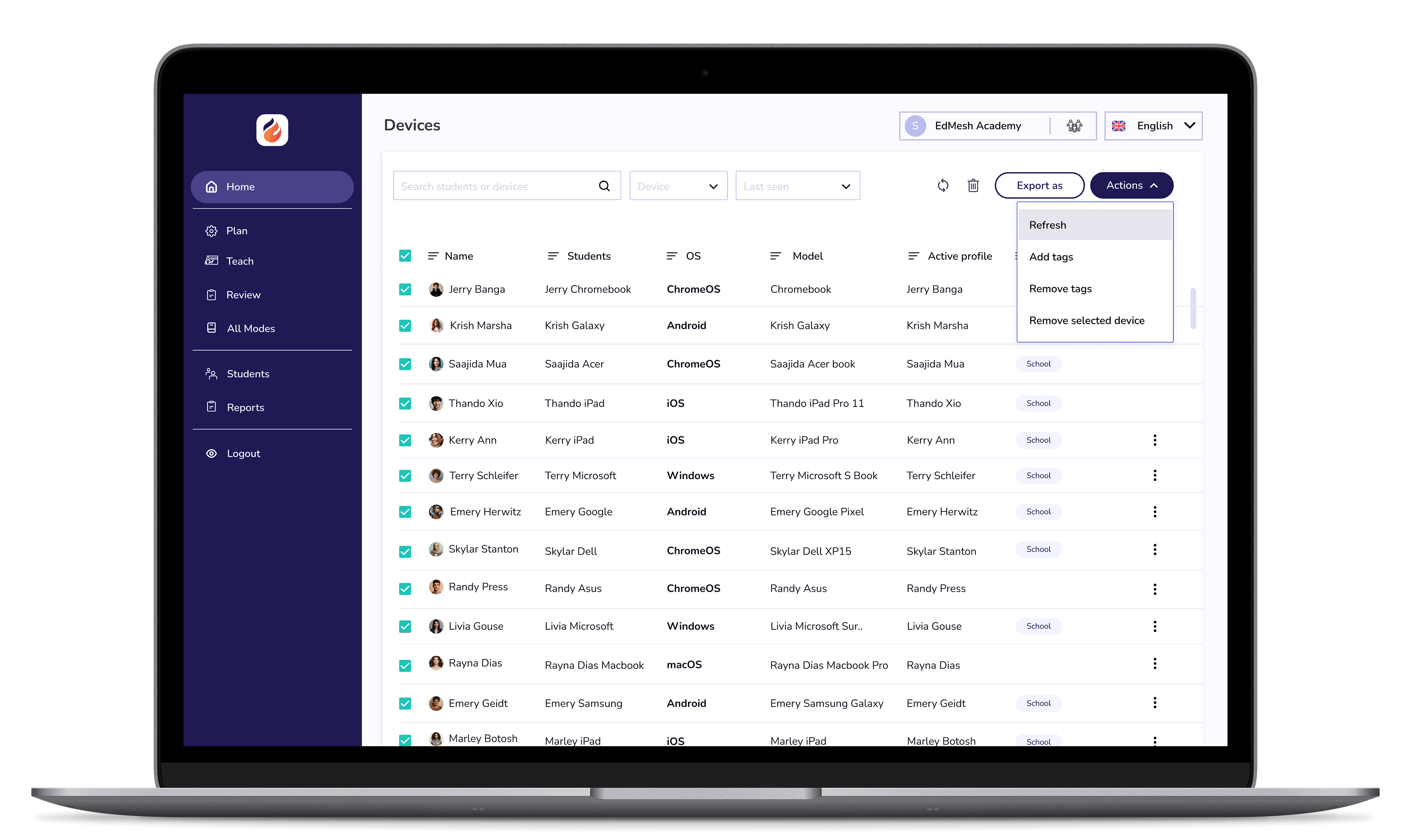

EdMesh Classroom grants teachers with the tools they require to keep students safe, focused, and learning in class.

EdMesh Filtering safeguards student devices online via on-device and cloud-based filtering. Students are always protected online with EdMesh.

Modular, multi-OS mobile device management that simply makes work easy. Manage 1:1 devices in their thousands with EdMesh MDM.

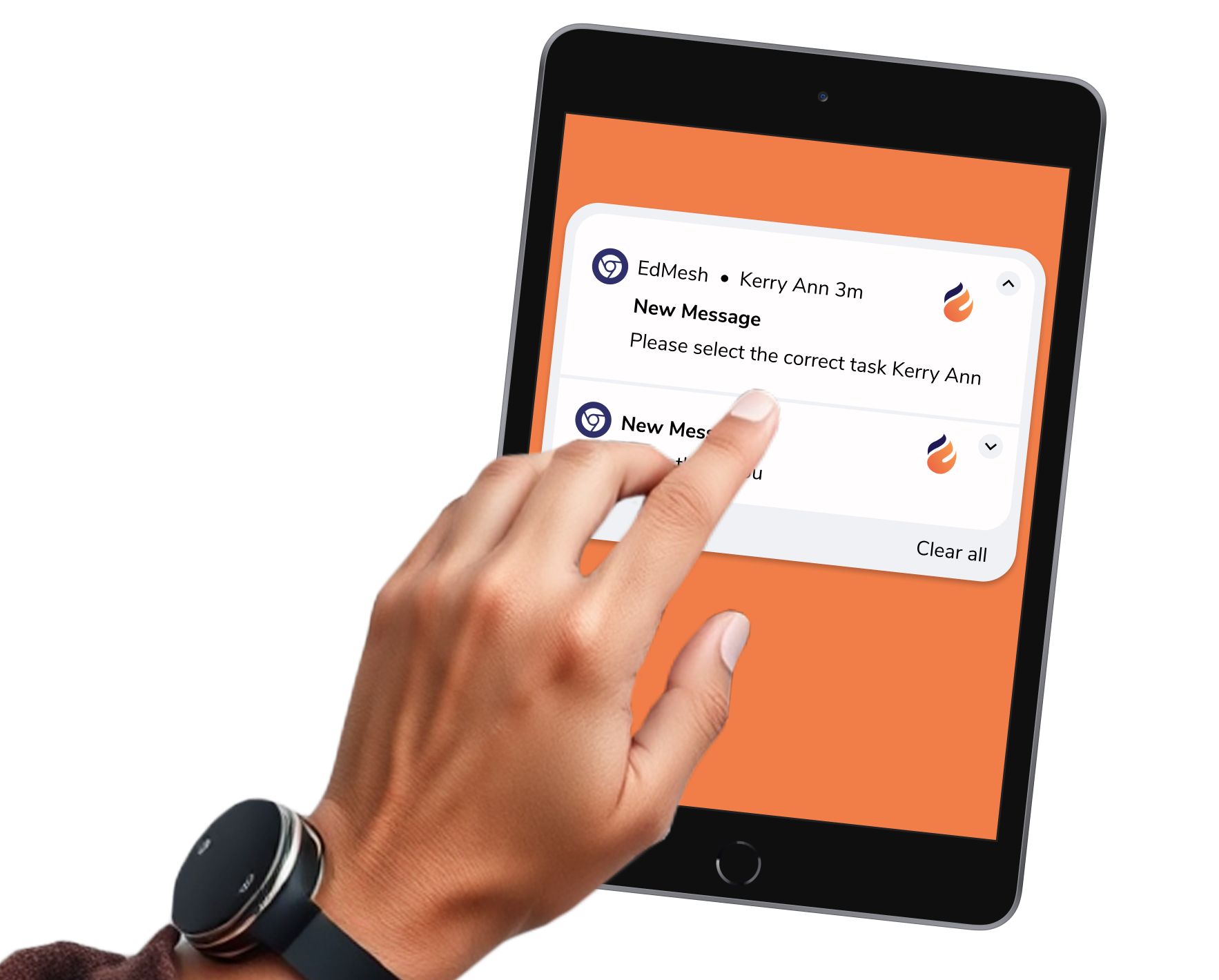
Student messaging provides educators with a quick and easy way to message and inform students when learning online.
Free 14-Day TrialStudent messaging provides educators with a quick and easy way to message and inform students when learning online.




.png "X(Twitter)")
