
Windows MDM for managing devices in and out of the classroom. Purpose-built for education, EdMesh is a cloud-based mobile device management application designed for K-12 schools that offers educators a host of benefits.
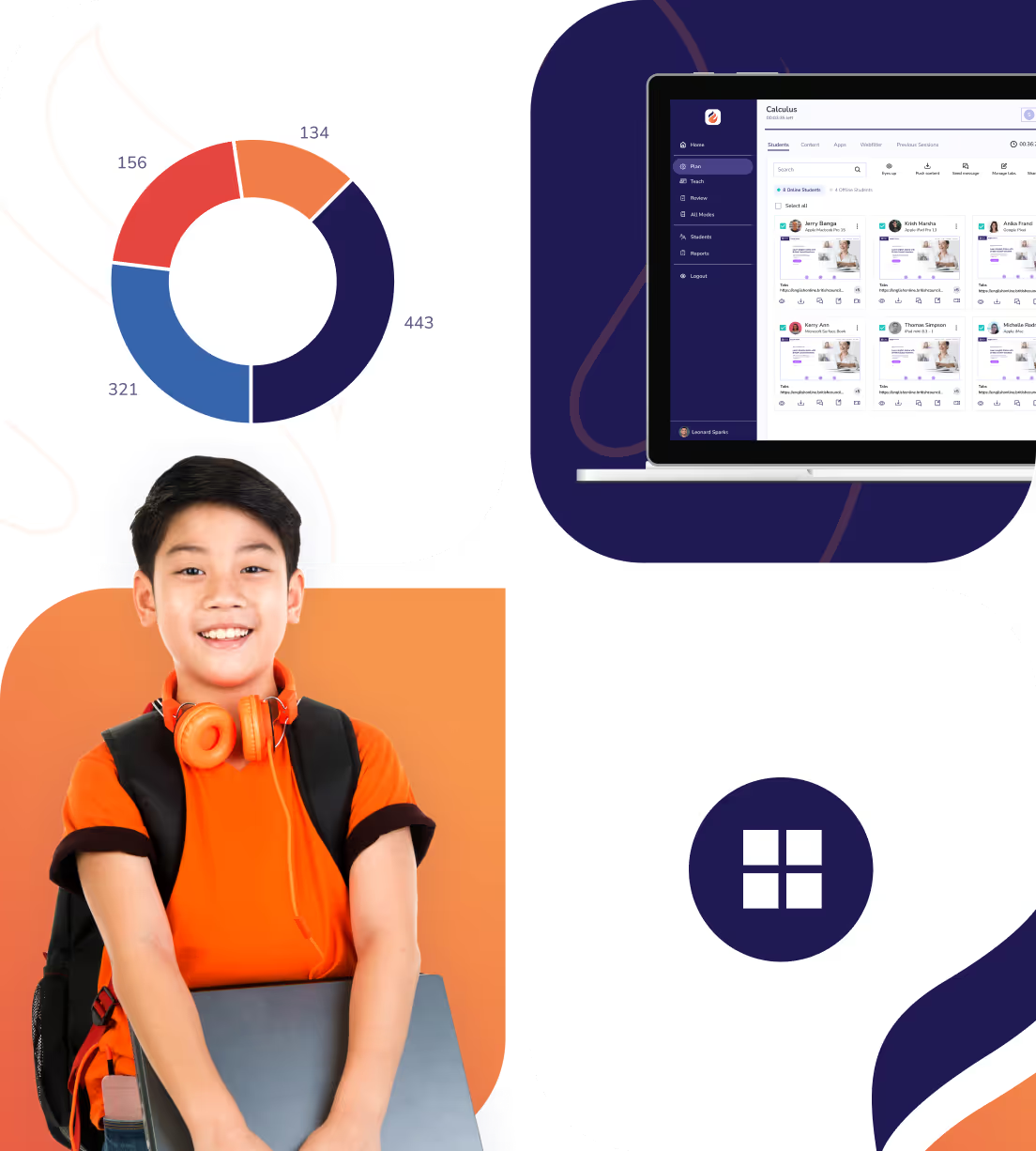

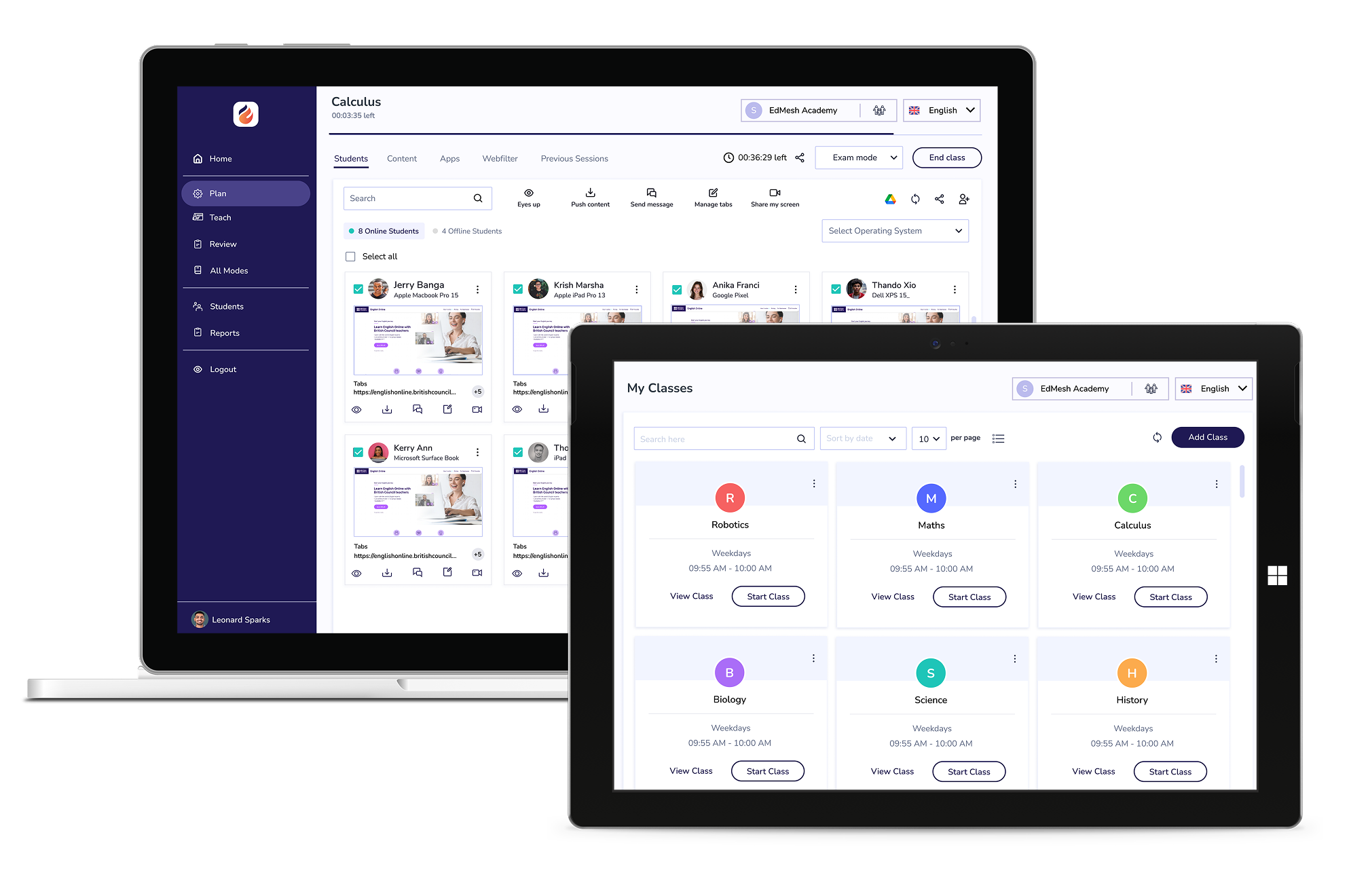
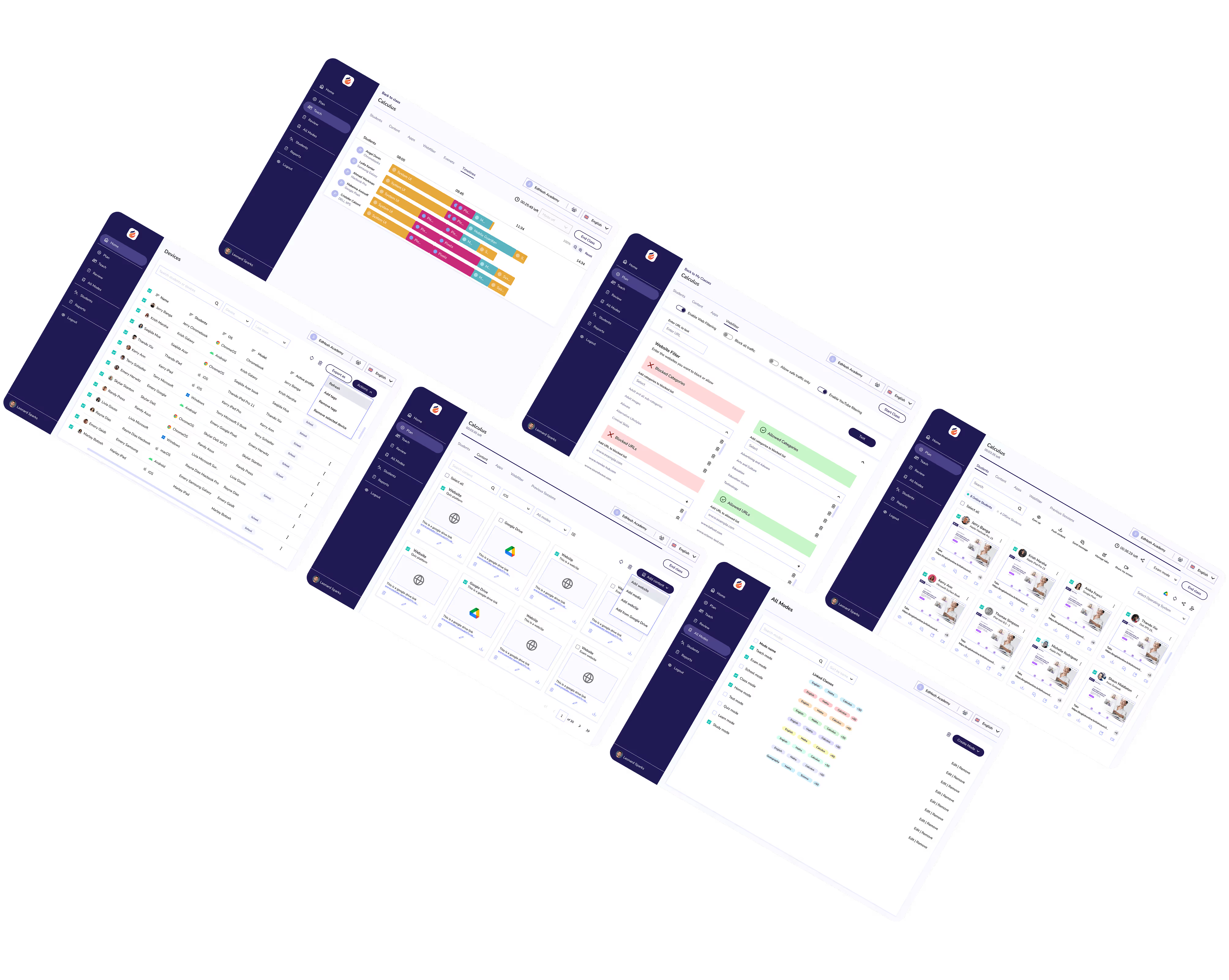
See first hand what students are focused on, or distracted by, during class. Live Screen Views places all student screens into a single view.
Schedule and push down device updates to ensure devices are secure, and functioning as required.
Manage multiple schools across large school groups, districts, and MATs. A single unifying dashboard ensures that insights across all schools, and grades.
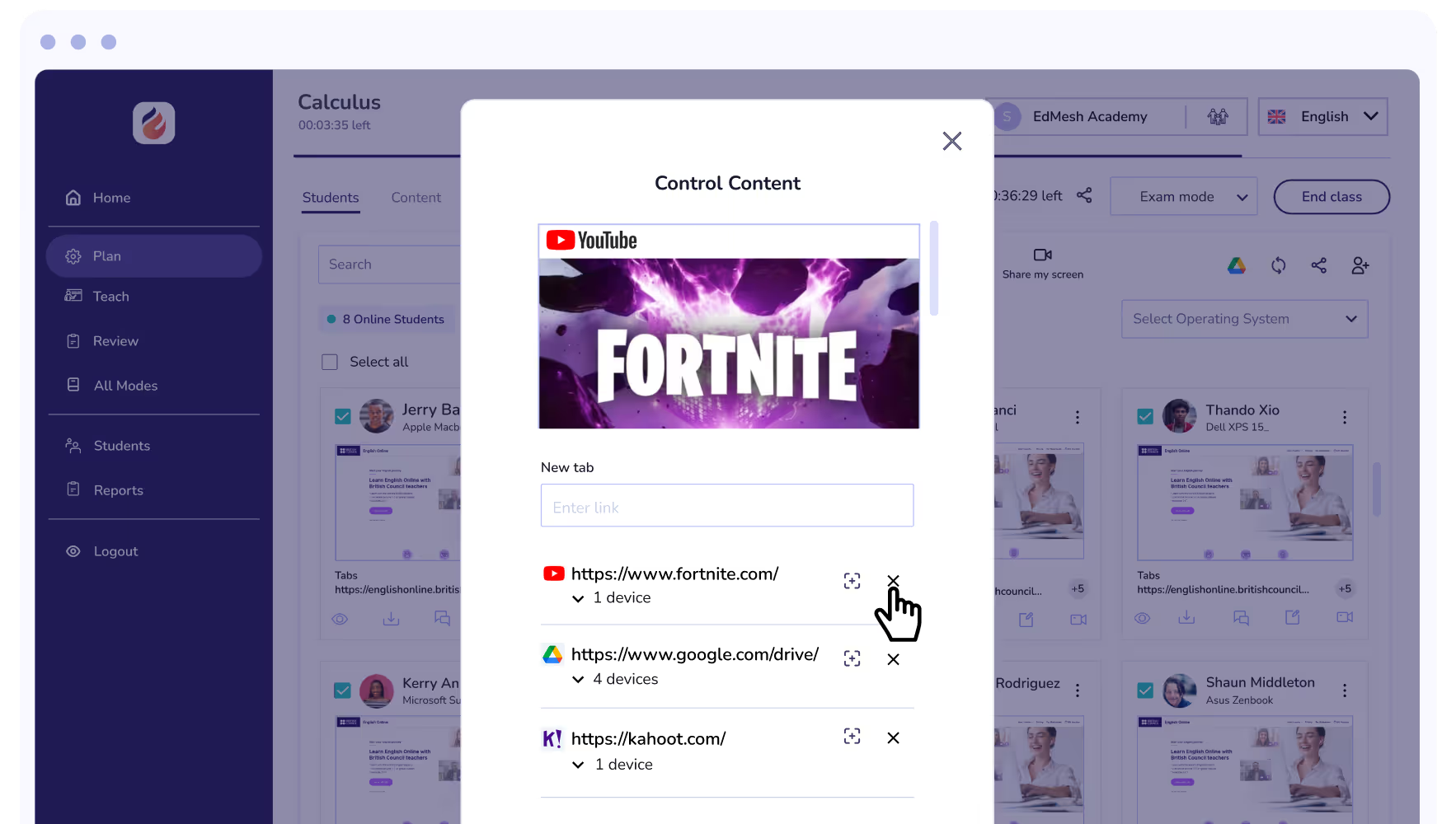
Restrict YouTube content access with the EdMesh YouTube filter. Limit channels, categories, and specific videos to protect students.
See first hand what content students are accessing on their Windows device. Whether they're laser focused, distracted or simply waiting for learning content to load.
If a class is approaching the brink of chaos, Eyes Up instantly blocks device screens bringing distracted students to a stop instantly.
Integrate with Microsoft Office 365 for Education to quickly and easily set up your learning environment with EdMesh.
Integrate with Google Classroom and Google Workspace for Education with EdMesh to easily guide and protect students online.
Apple School Manager easily integrates with EdMesh to ensure devices are ready for learning.
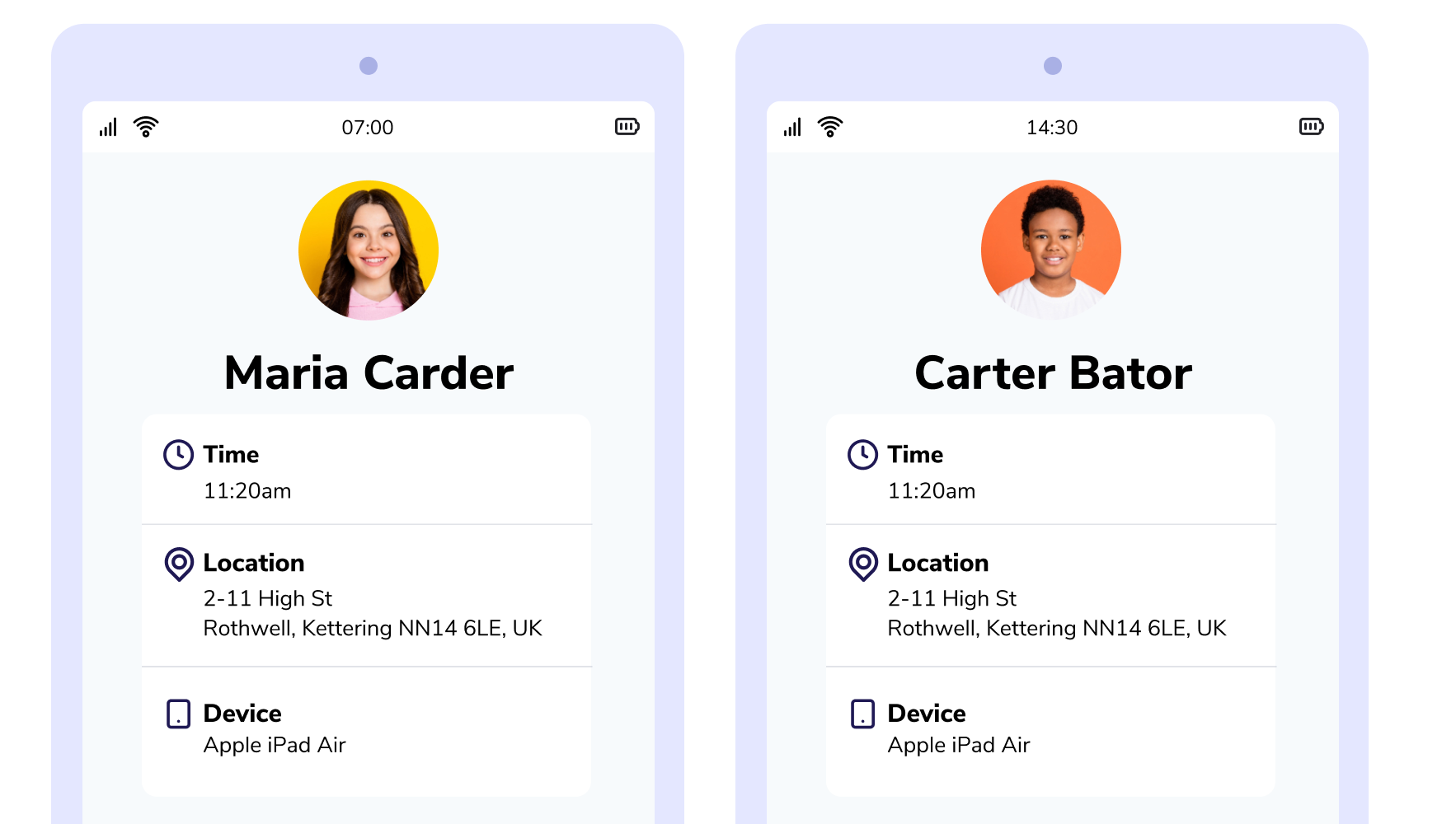
Create Geofences to trigger filtering rules and policies based on location. Seamlessly switch between filtering profiles for responsive content filtering.
Whether it is time for morning class or homework, set Safer to implement web filtering and application restrictions by the time of day. Restrict student devices according to their needs.
Punycode provides an improved method of character identification for languages beyond the ISO basic Latin alphabet for multilingual filtering.
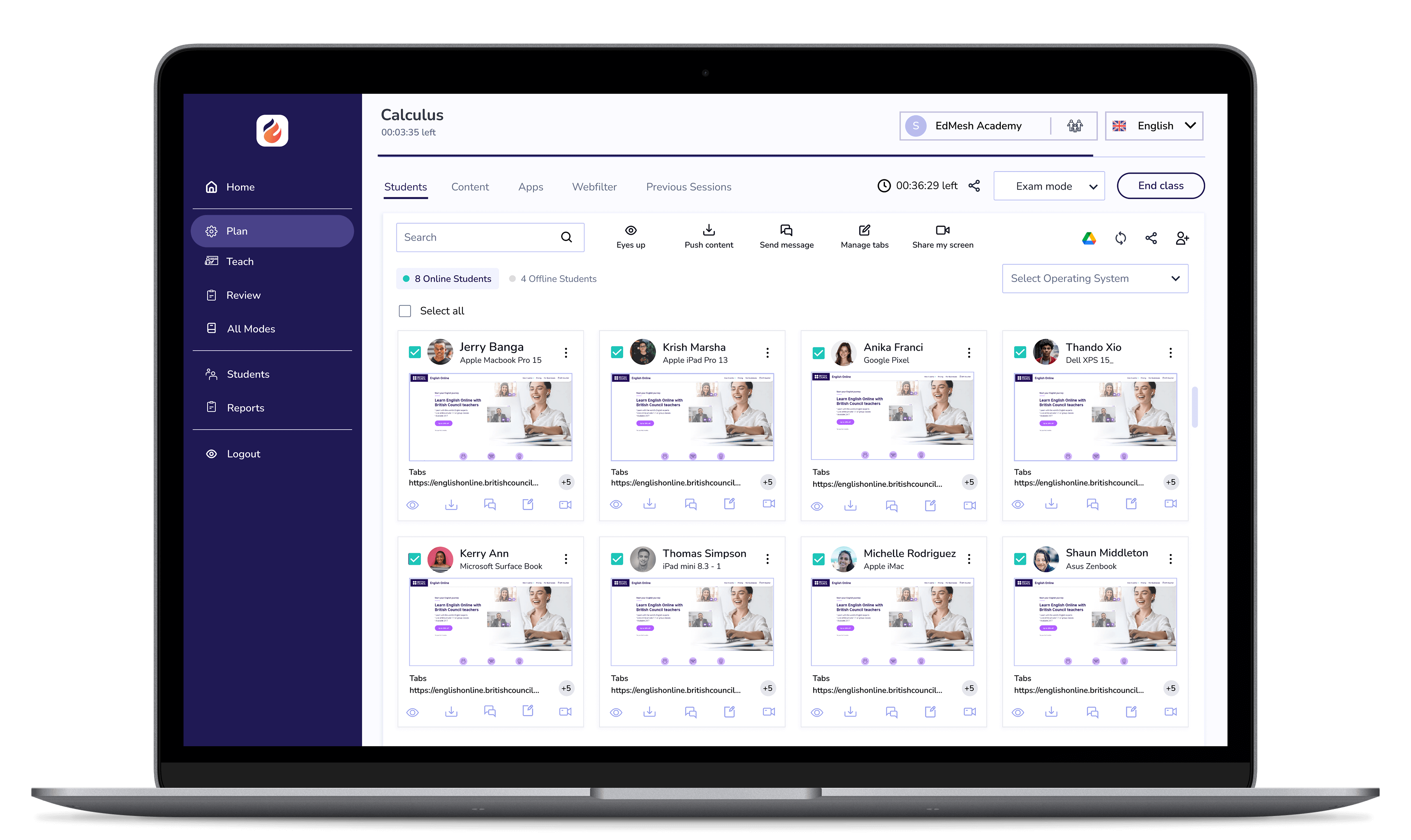
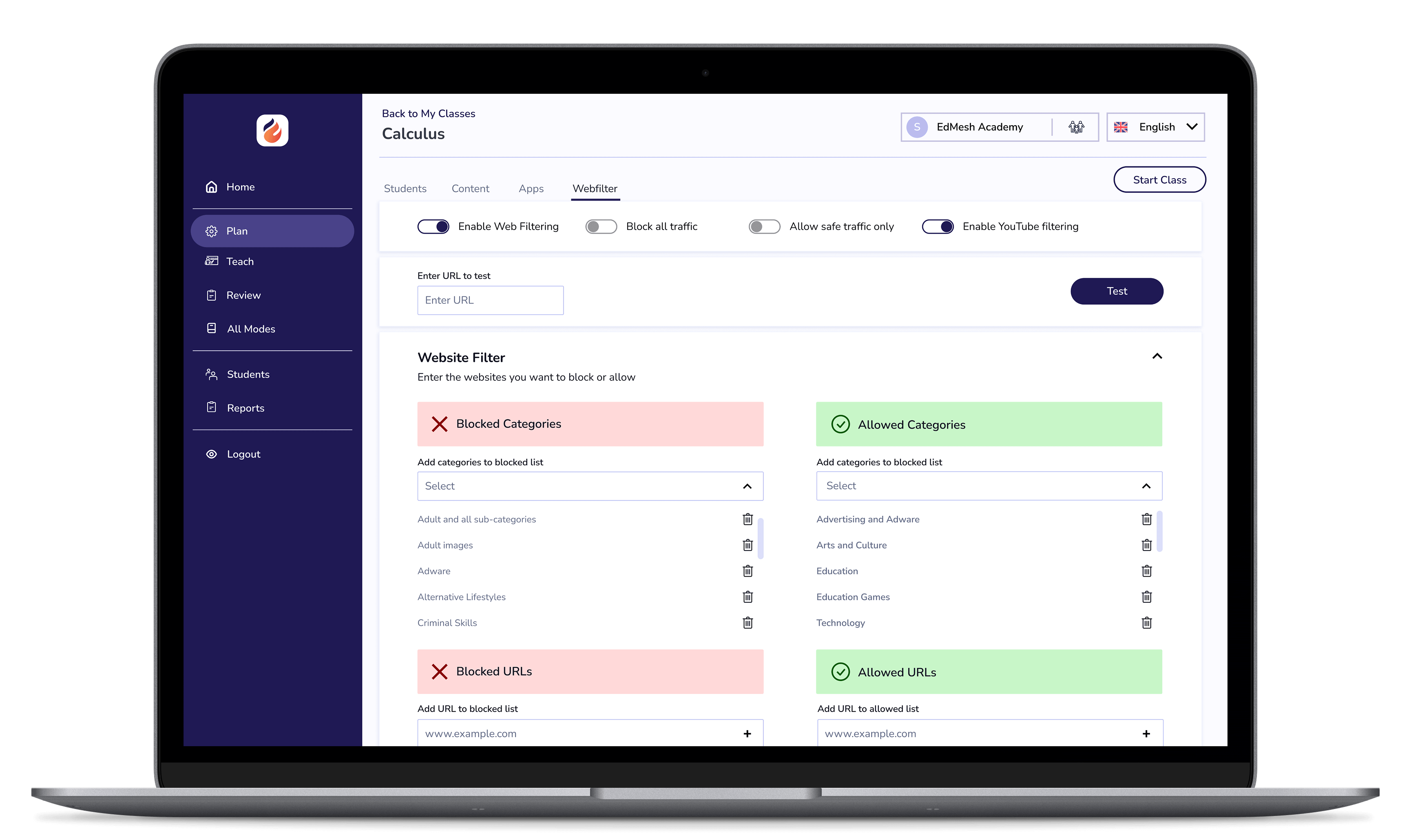
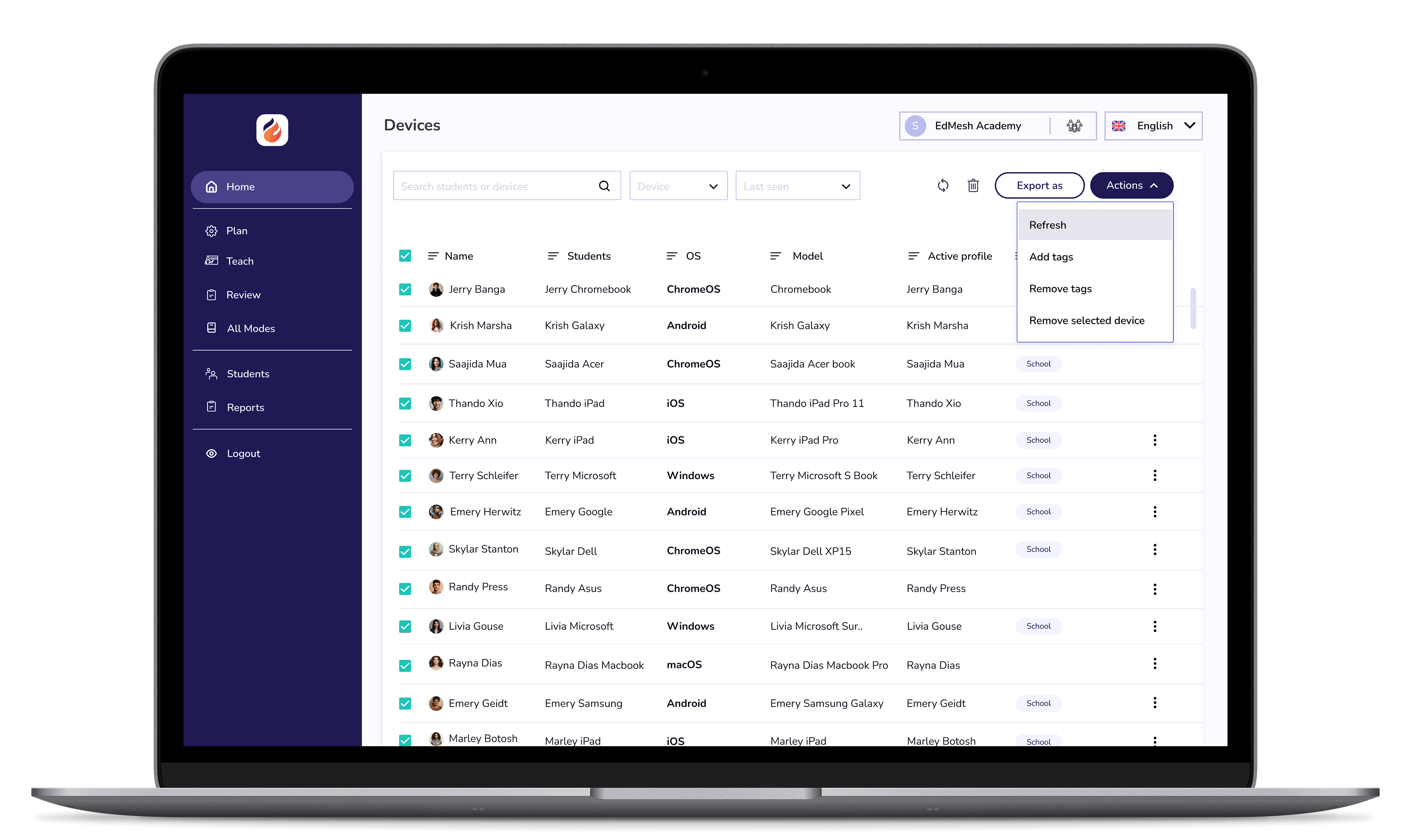

EdMesh Classroom grants teachers with the tools they require to keep students safe, focused, and learning in class.

EdMesh Filtering safeguards student devices online via on-device and cloud-based filtering. Students are always protected online with EdMesh.

Modular, multi-OS mobile device management that simply makes work easy. Manage 1:1 devices in their thousands with EdMesh MDM.

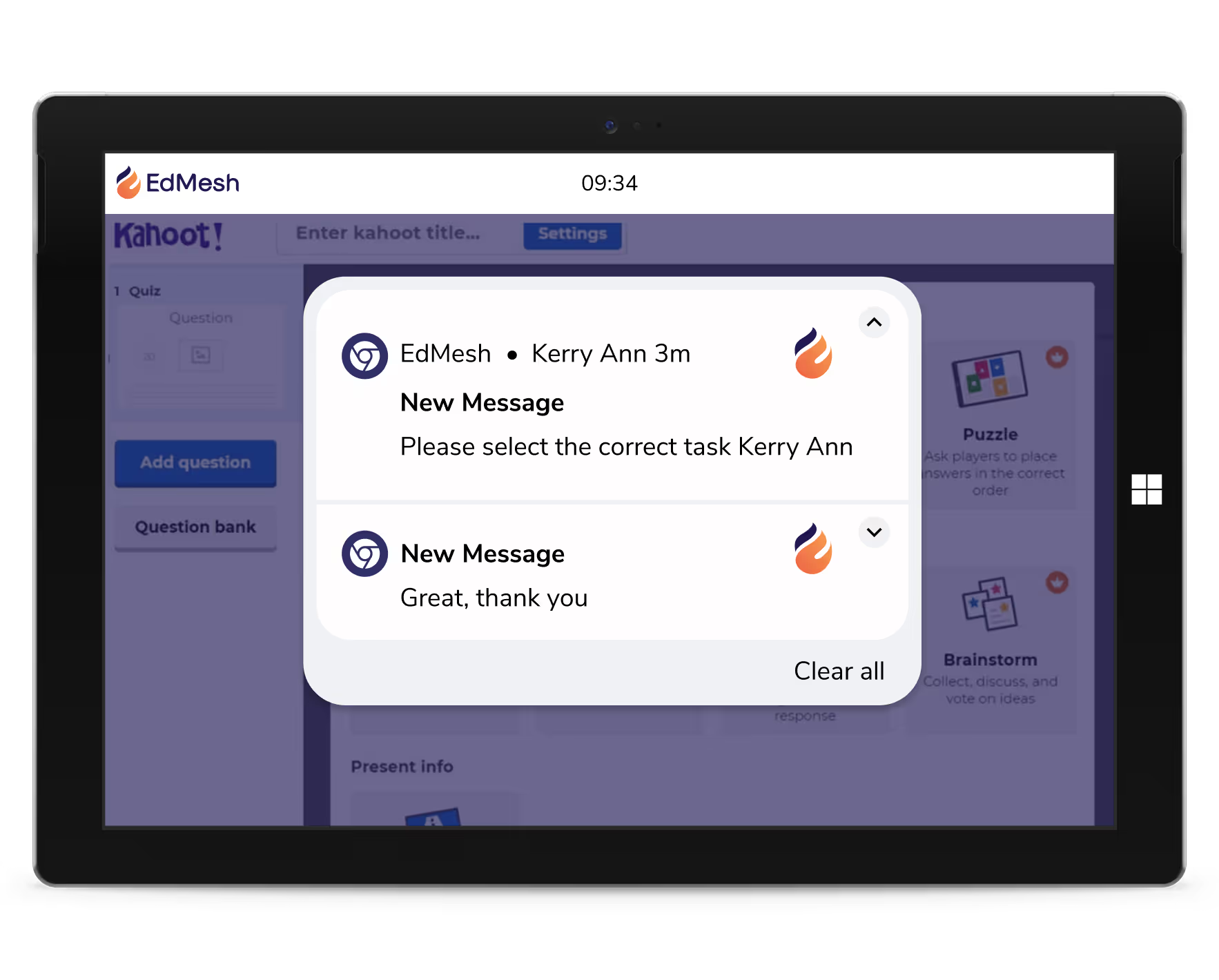
Student messaging provides educators with a quick and easy way to message and inform students when learning online.
Free 14-Day TrialStudent messaging provides educators with a quick and easy way to message and inform students when learning online.




.png "X(Twitter)")
