

Future-proof the Classroom and create interactive classes to engage and keep students focused and on track during your lessons.
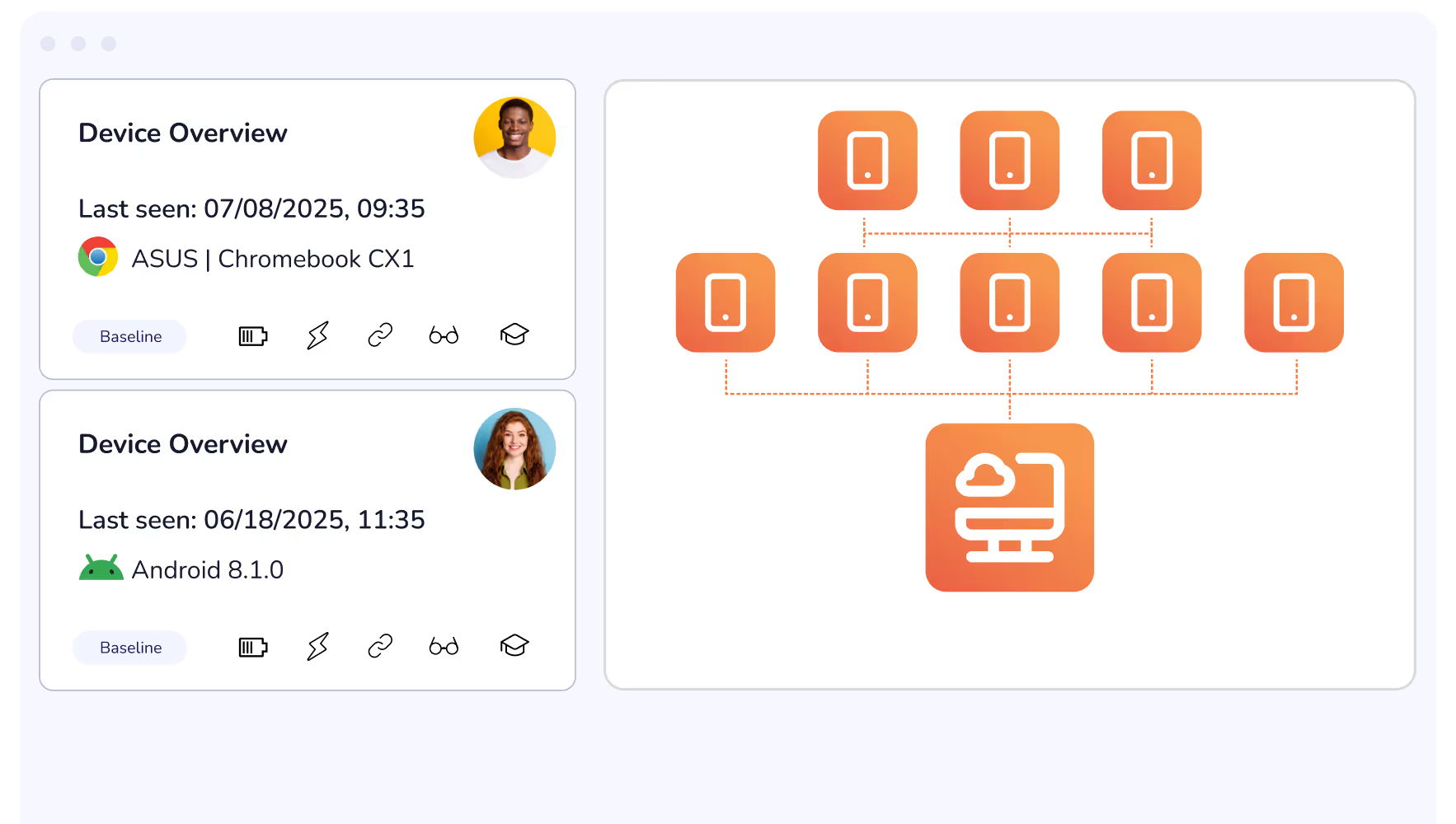
Roll out updates, reconfigure restrictions, adjust district-wide rules remotely and from the cloud. From a single dashboard you can ensure that all devices are up-to-date and lesson ready.
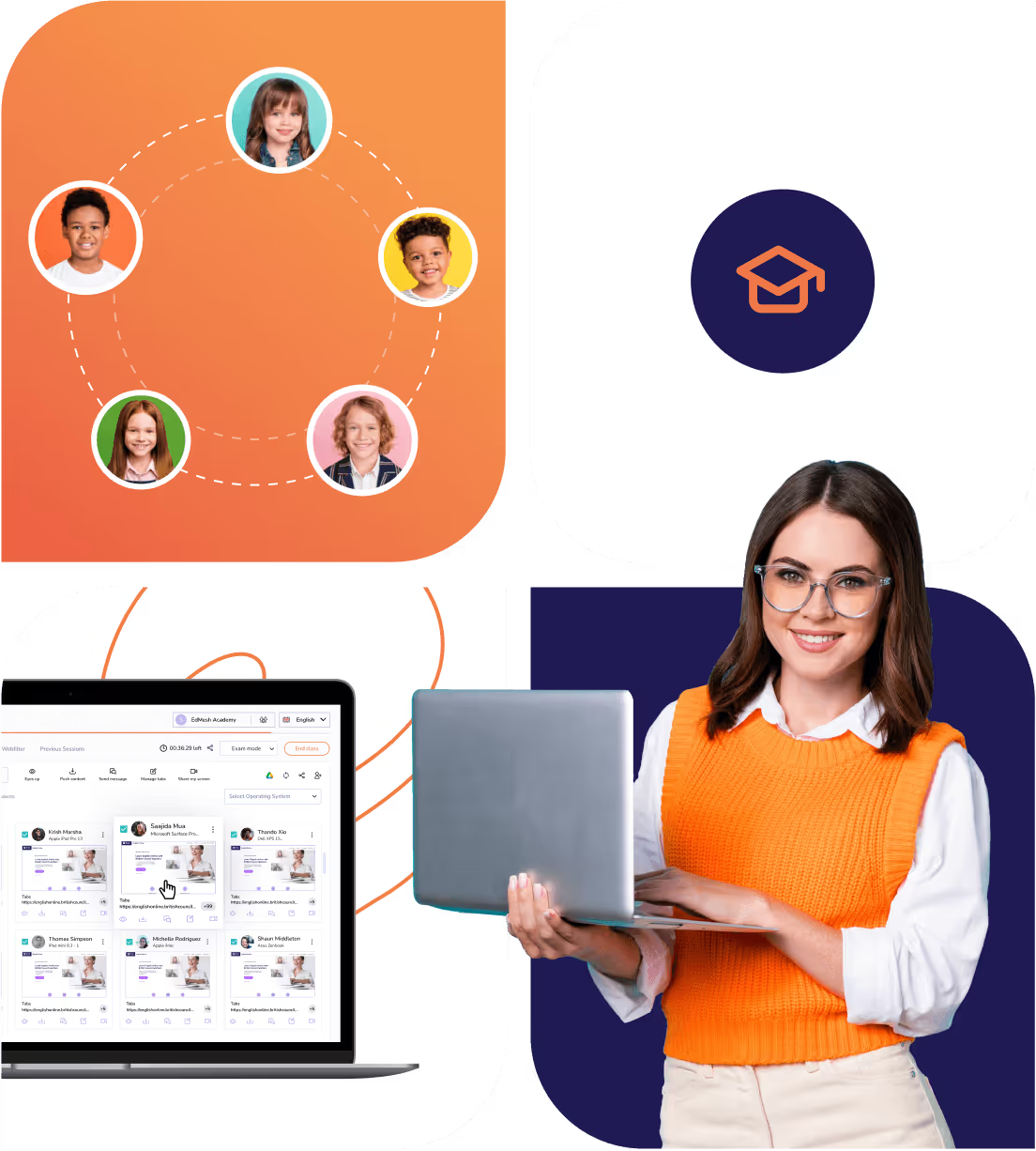
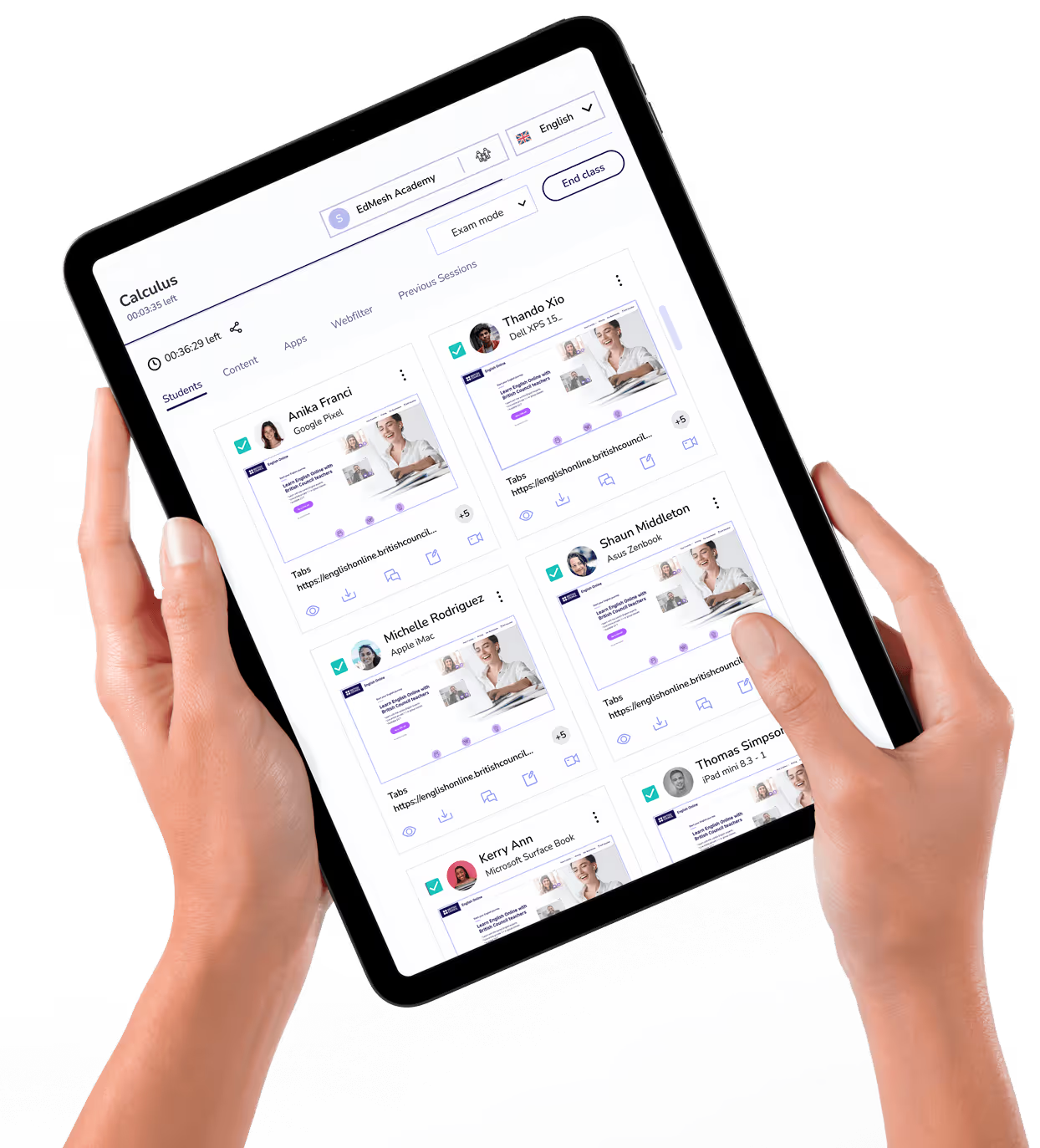
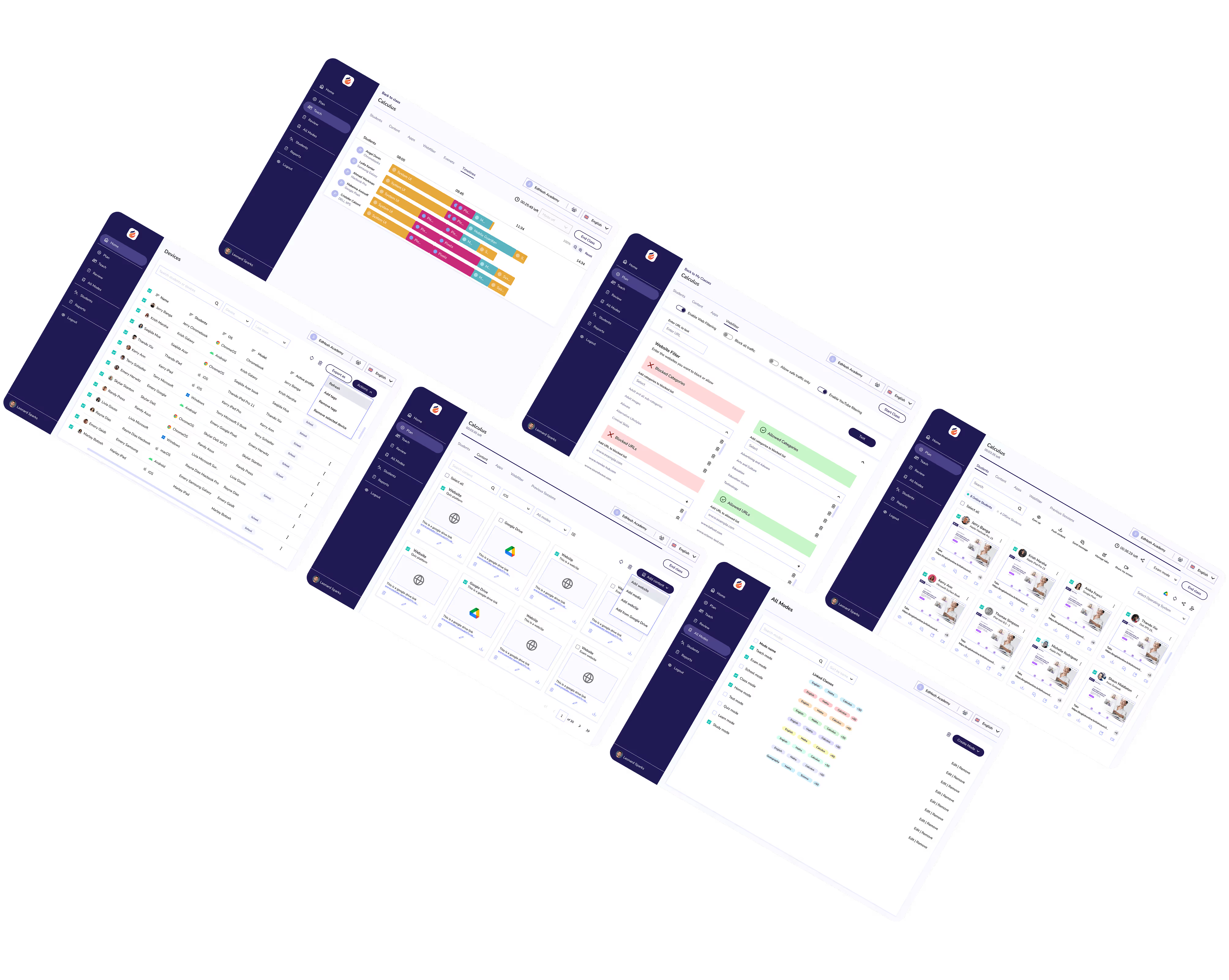
Classroom is a single flexible solution with Classroom management tools, web filtering, and device management to provide teachers with the tools they need to guide students.

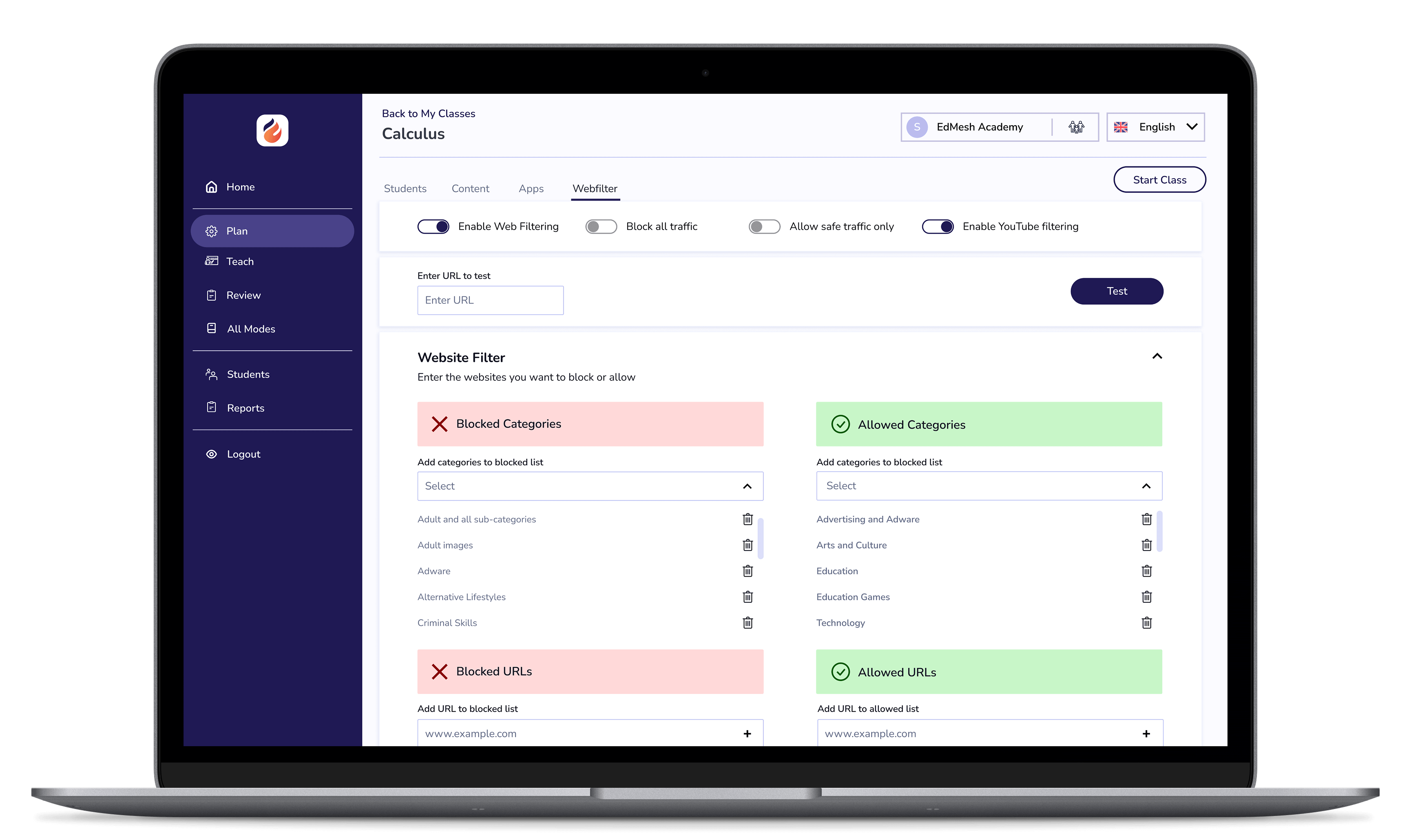
Create safe online learning environments that allow students to explore and learn online, in a safe and assured way with Safer Web Filtering.

Set up guard rails that keep students on task throughout class. Modes allow for teachers to create a restricted learning environment that sets the standards of learning from the start.
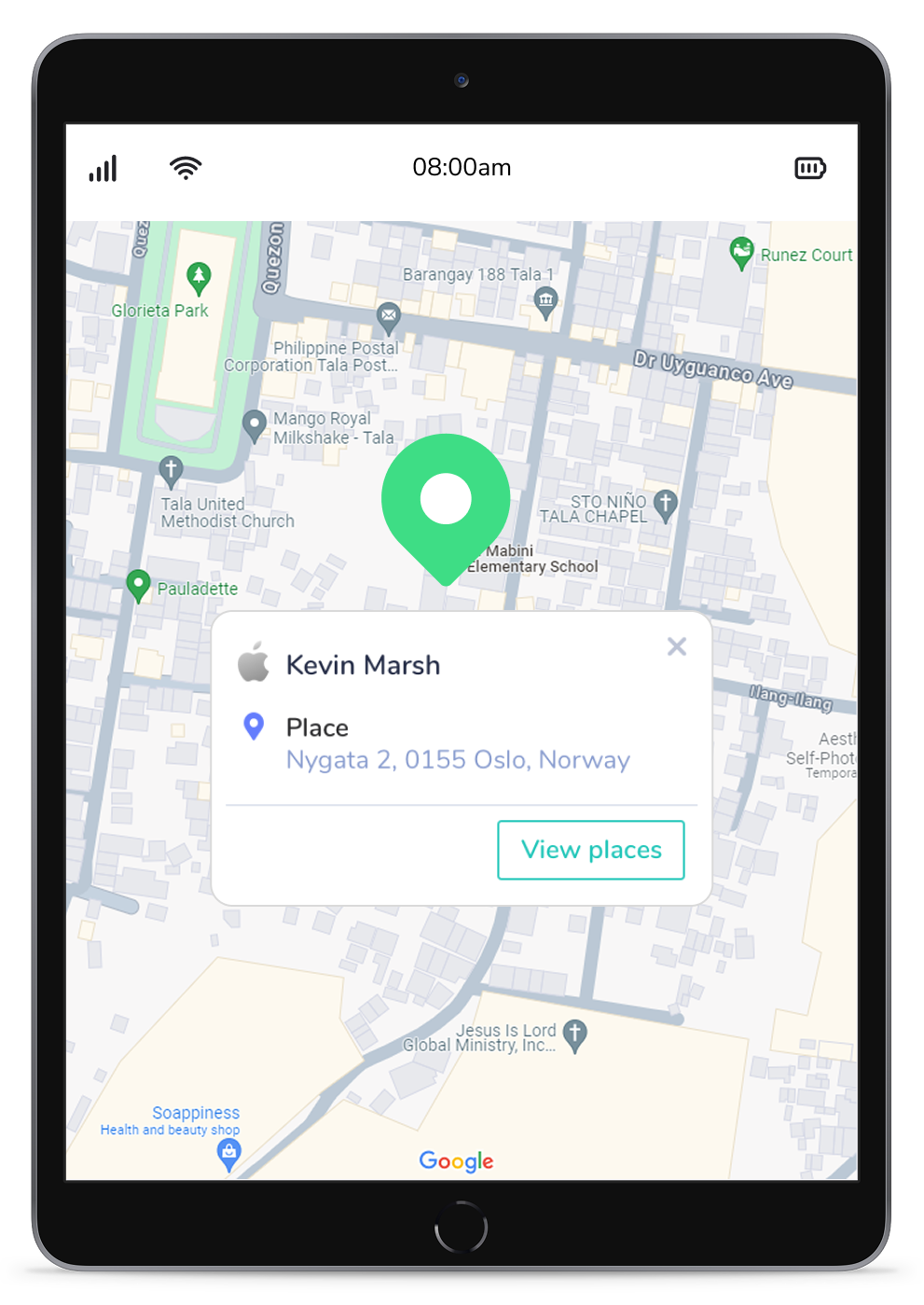
Empower teachers and administrators with Profiles that limit large sets of devices according to predefined restrictions which may be triggered by the time of day and the devices location.
Benefit from the educational side of YouTube. With the EdMesh YouTube Filter block specific YouTube URLs, Keywords and even specific YouTube channels.
Clearly understand in-class behaviour with the Activity Timeline. Visually identify online behavioural traits and understand how students are using their devices in class.
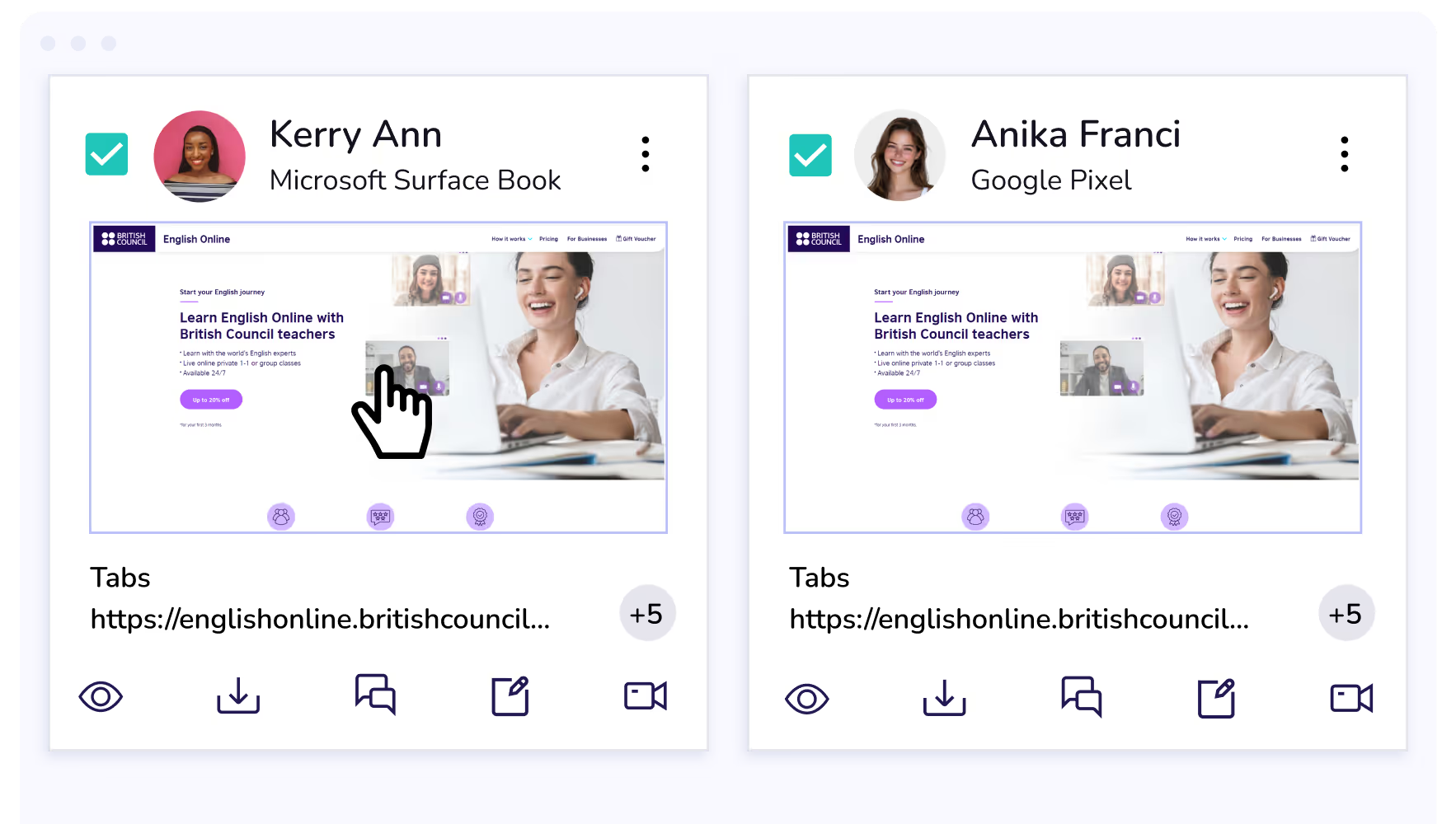
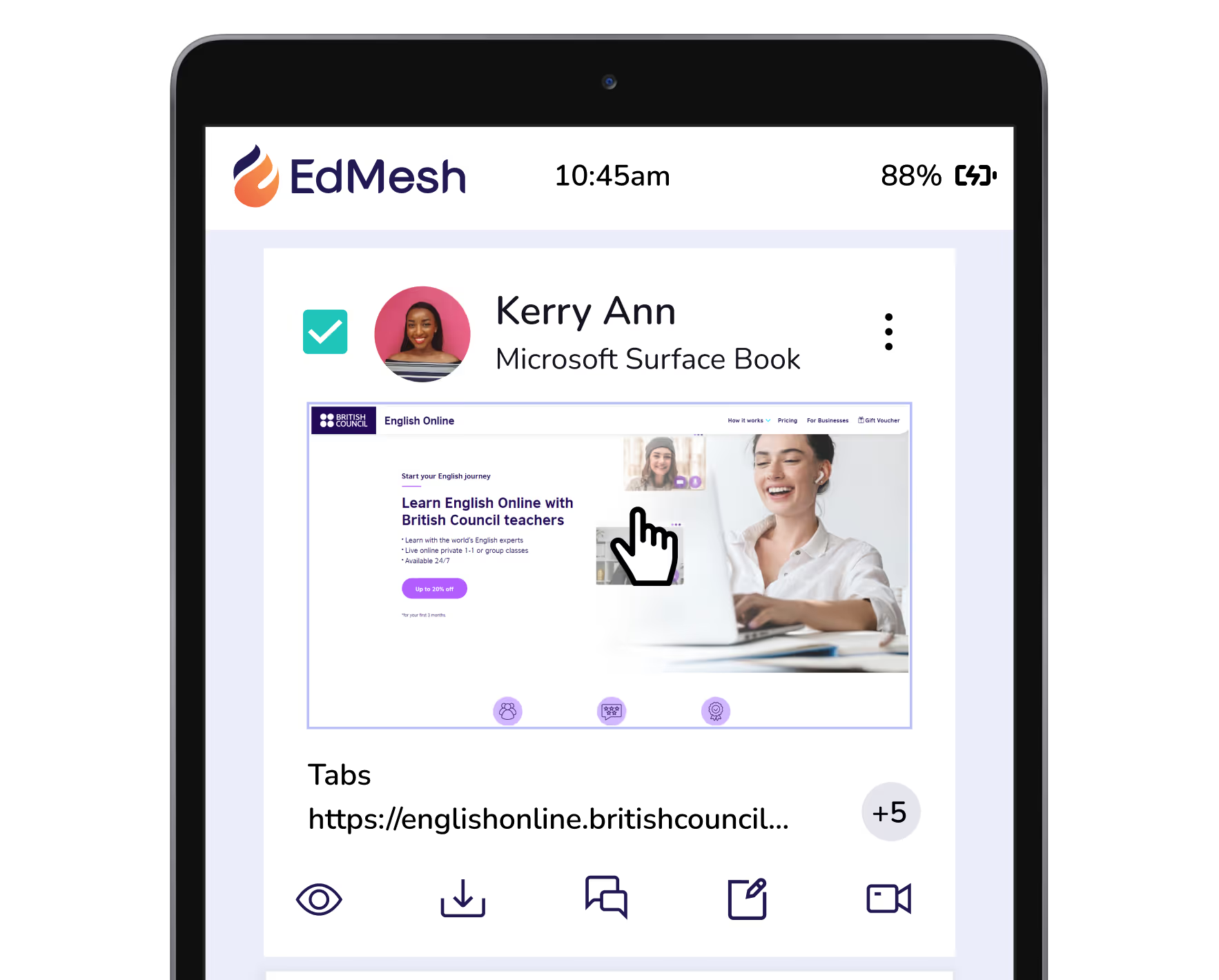
Directly intervene and control student browser tabs to close distracting content or distribute relevant URLs to student devices. Quickly, and easily.
Gain clear insight into student behaviour during class with EdMesh’s Activity Timeline feature. Visually identify online behavioural traits and understand how students are using their devices in class.
Reporting on a per device basis is invaluable for understanding the impact of devices across your device program. Clarity on use and the return on investment generated is invaluable for teachers.
Manage multiple schools across large school groups, districts, and MATs. A single unifying dashboard ensures that insights across all schools, and grades.
Set and control application access on student devices according to class needs and school device usage policies.
Implement Kiosk mode on student devices to limit student access to specified content and applications.
Integrate with Google Classroom and Google Workspace for Education with EdMesh to easily guide and protect students online.
Apple School Manager easily integrates with EdMesh to ensure devices are ready for learning.
Integrate with Microsoft Office 365 for Education to quickly and easily set up your learning environment with EdMesh.
If a class is approaching the brink of chaos, Eyes Up instantly blocks device screens bringing distracted students to a stop instantly.
Punycode provides an improved method of character identification for languages beyond the ISO basic Latin alphabet for multilingual filtering.
Set device usage restrictions with EdMesh and Google for Education to optimise learning environments wherever students may be learning from.
EdMesh integrates with Apple School Manager to benefit both I.T Administrators and Teachers.

Imagine a classroom where students are consistently engaged, motivated, and achieving their full potential.
Imagine a classroom where students are consistently engaged, motivated, and achieving their full potential.
Imagine a classroom where students are consistently engaged, motivated, and achieving their full potential.
Imagine a classroom where students are consistently engaged, motivated, and achieving their full potential.
Imagine a classroom where students are consistently engaged, motivated, and achieving their full potential.
Imagine a classroom where students are consistently engaged, motivated, and achieving their full potential.
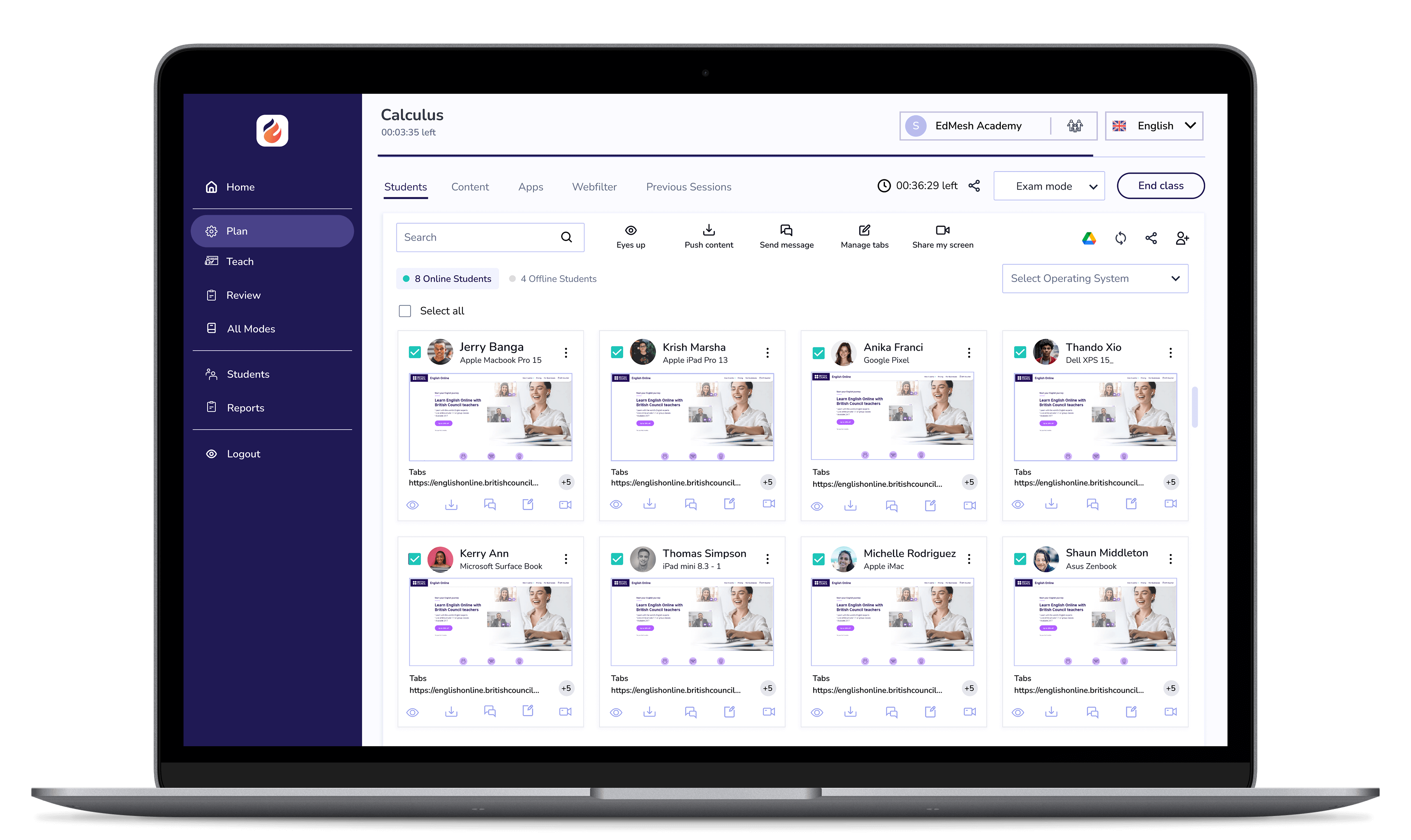

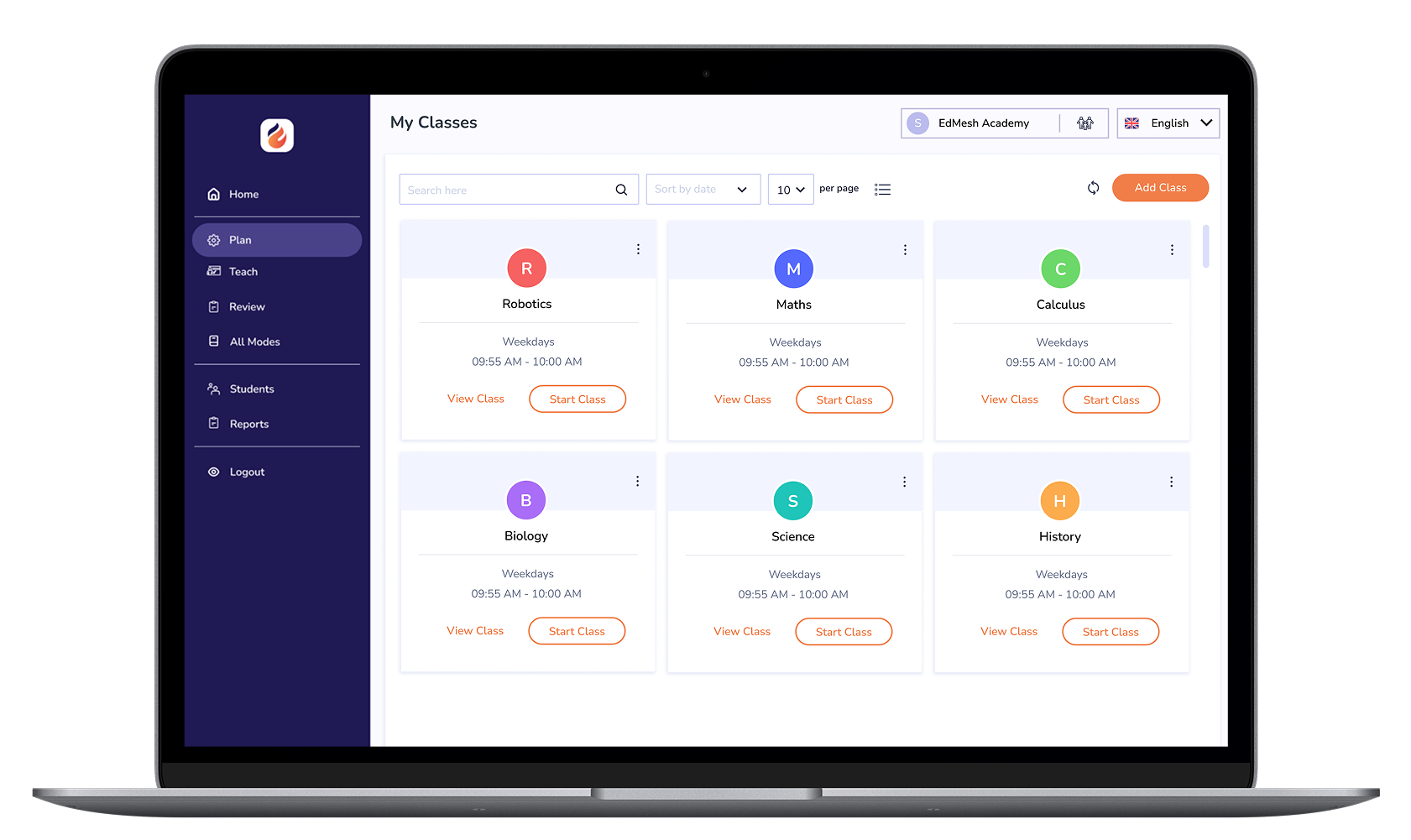
EdMesh Classroom grants teachers with the tools they require to keep students safe, focused, and learning in class.

EdMesh Filtering safeguards student devices online via on-device and cloud-based filtering. Students are always protected online with EdMesh.





.png "X(Twitter)")
